Hướng dẫn triển khai K8s Cluster
1. Khởi tạo K8s Cluster
- Tại phần Virtual Machines -> chọn Kubernetes -> chọn Create New
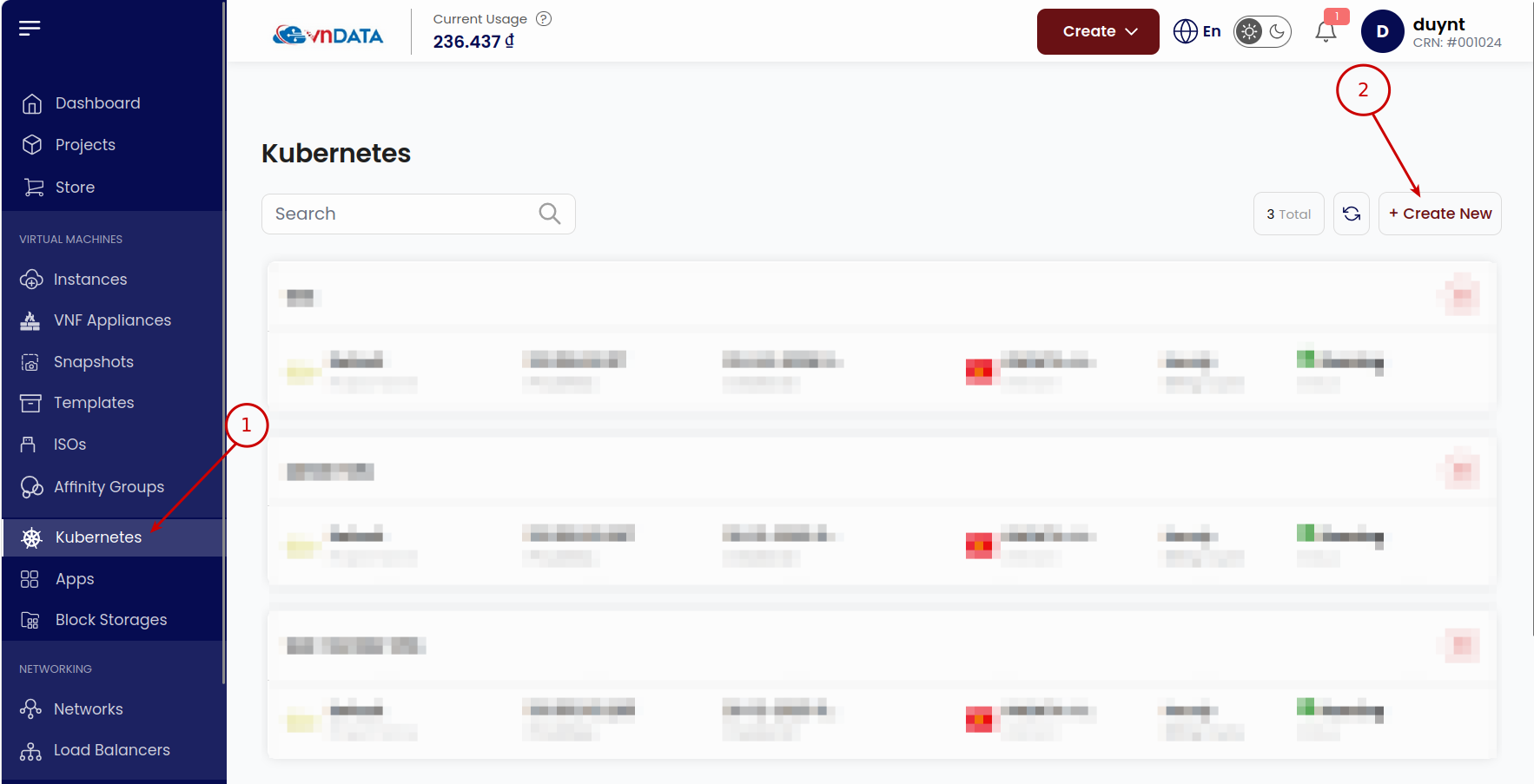
- Chọn phiên bản Kubernetes, Private Network (nếu không cần dùng chung mạng cục bộ với K8s Cluser khác thì có thể để trống phần này), cấu hình của mỗi node trong cluster tại Choose Cluster Capacity và số lượng worker node tại Node Count
- Chọn dung lượng disk tương ứng cho từng node trong cluster
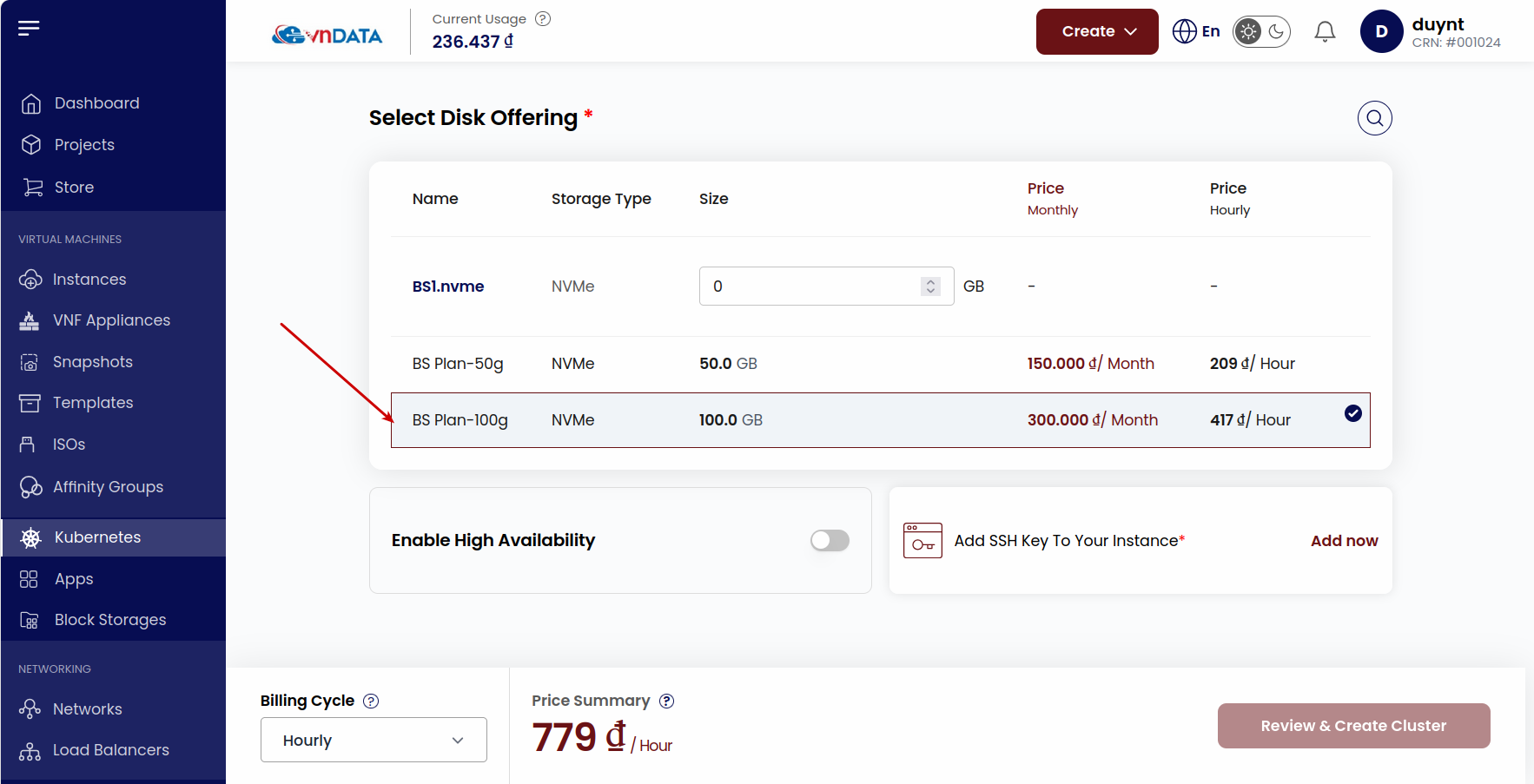
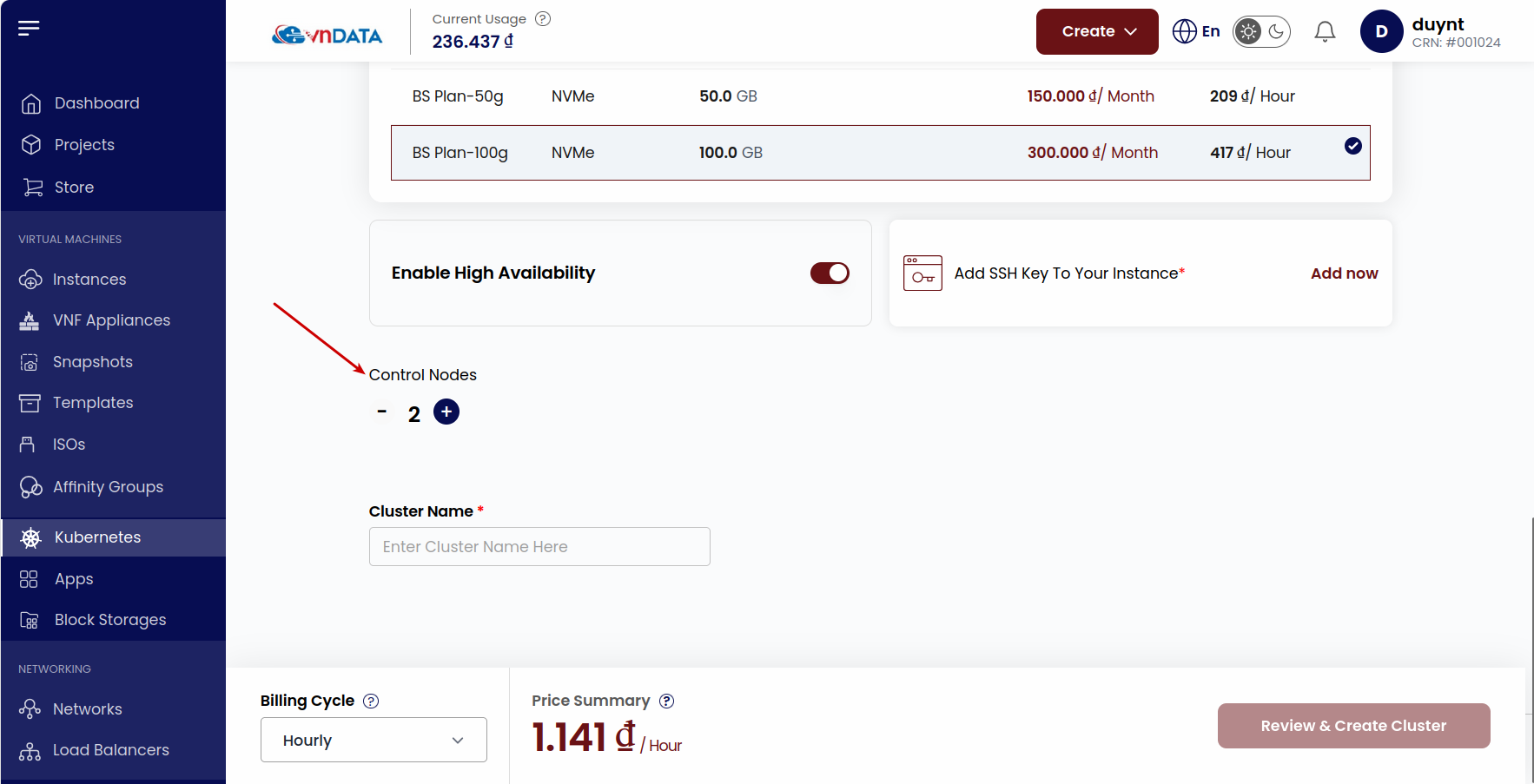
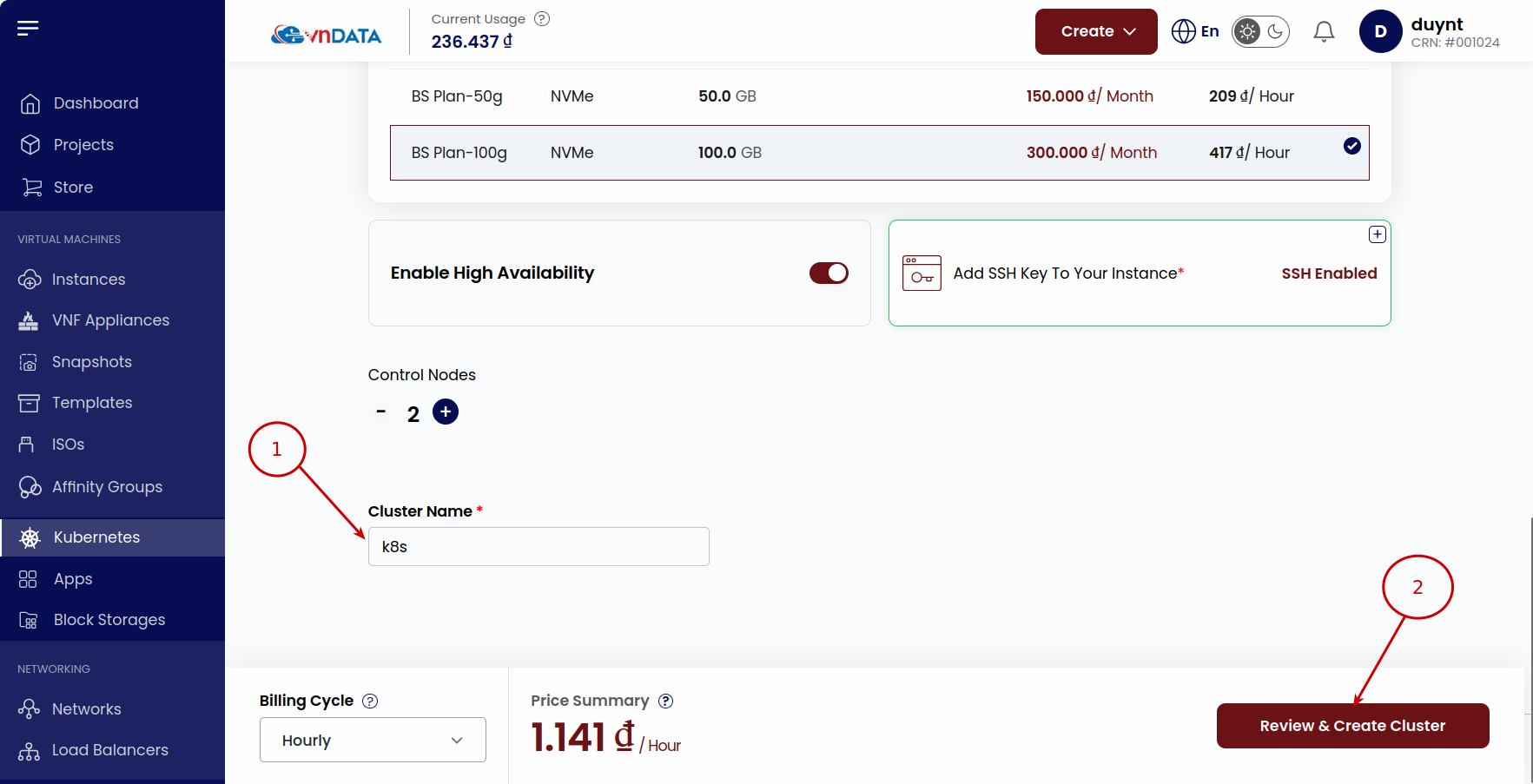
- Ở tùy chọn Enable High Availability; nếu để mặc định thì sẽ chỉ có một node dành cho control plane, còn nếu bật thì có thể thêm nhiều node hơn cho control plane
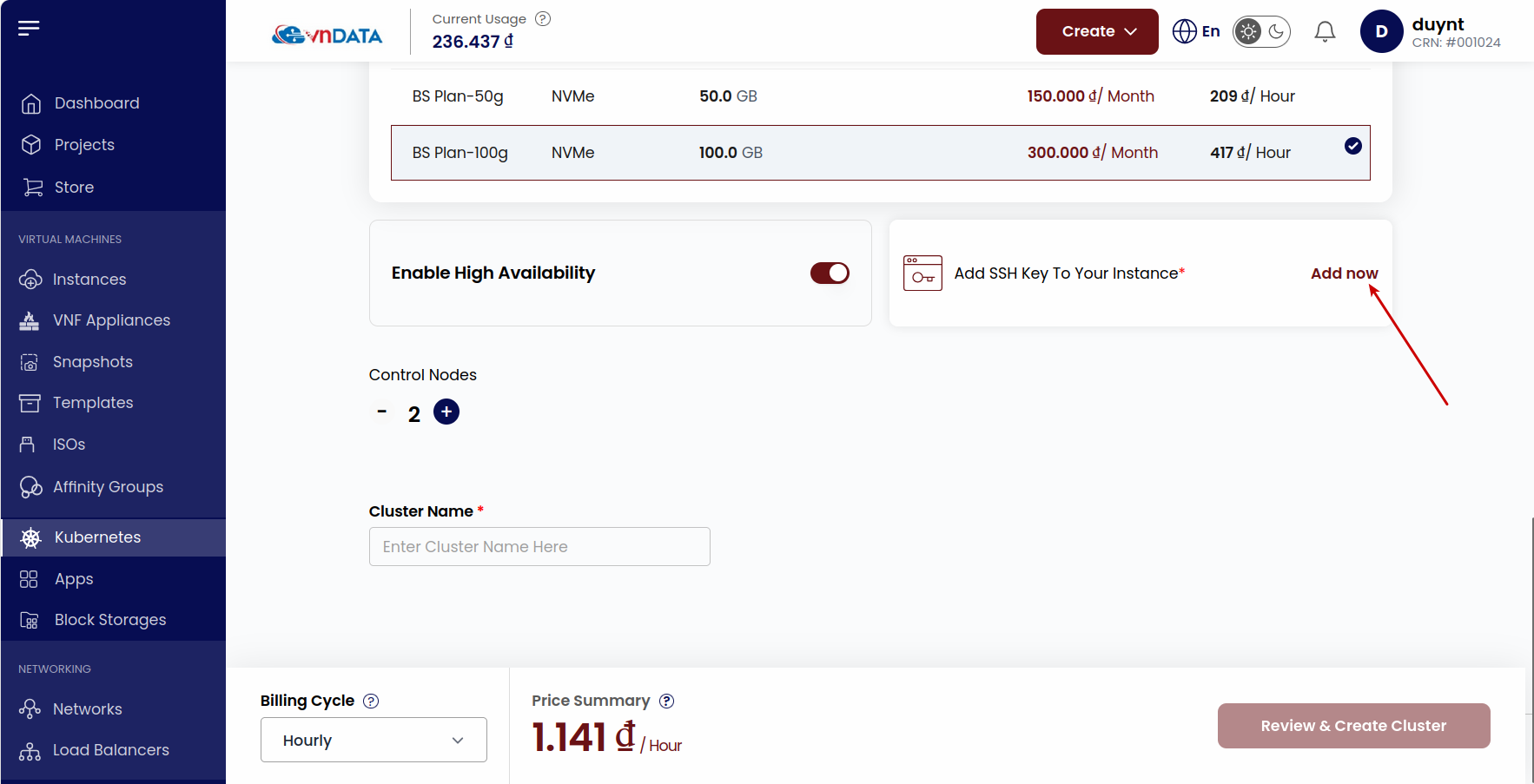
- Chọn Add now để cấu hình thêm SSH Key -> Thêm public SSH key và chọn Key tương ứng
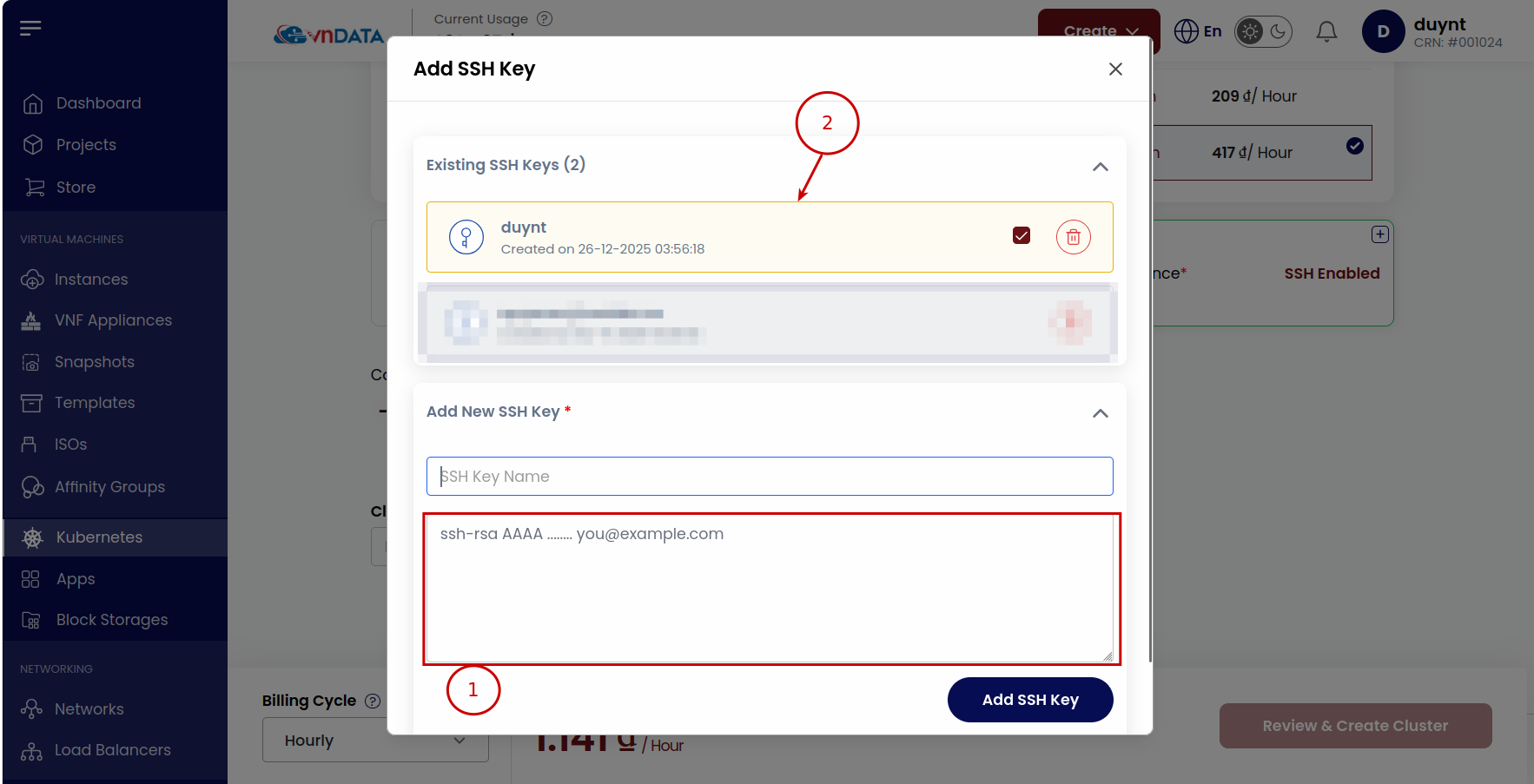
- Điền tên tại Cluster Name và bấm Review & Create Cluster
2. Truy cập và quản lí K8s Cluster
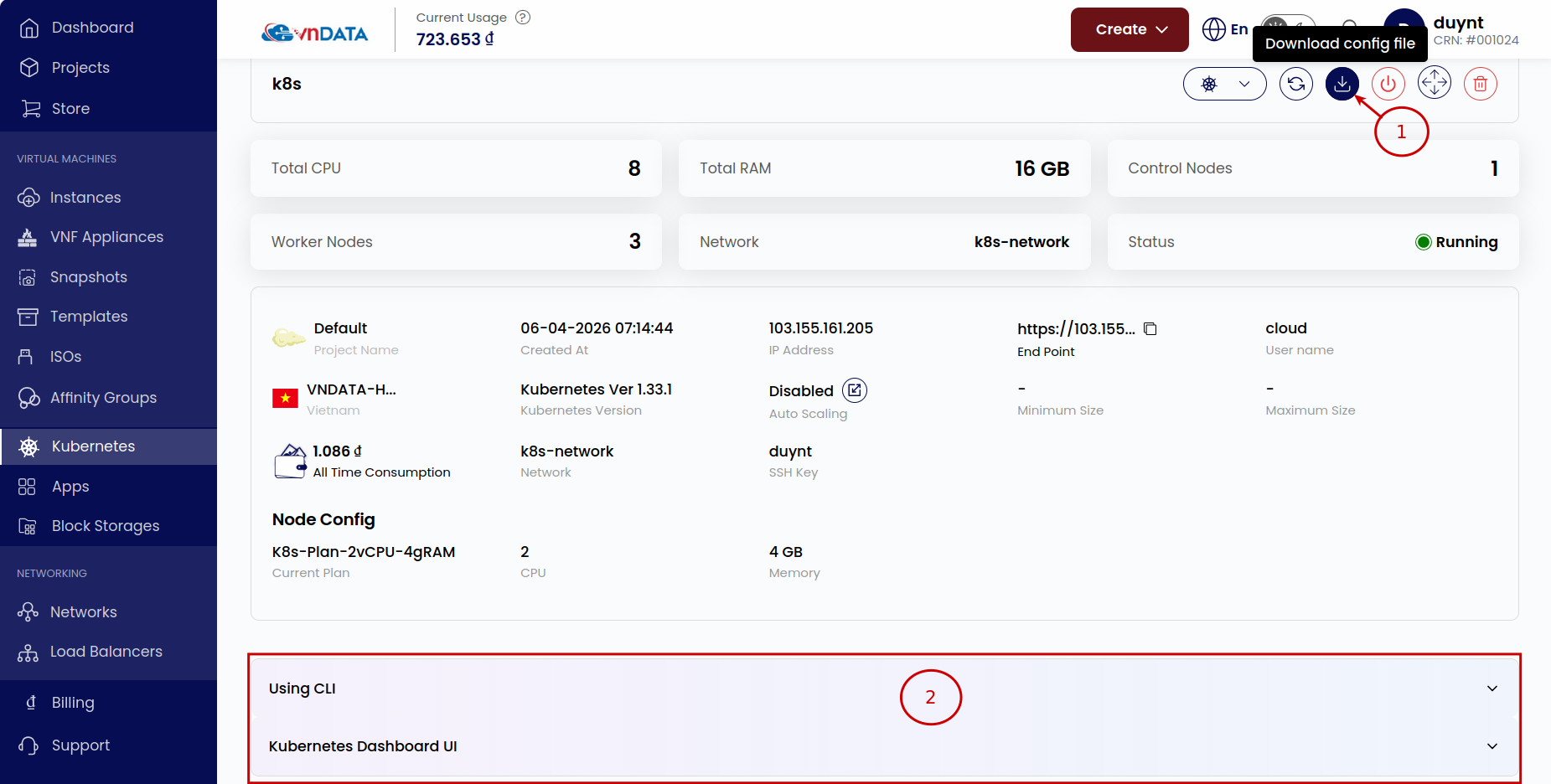
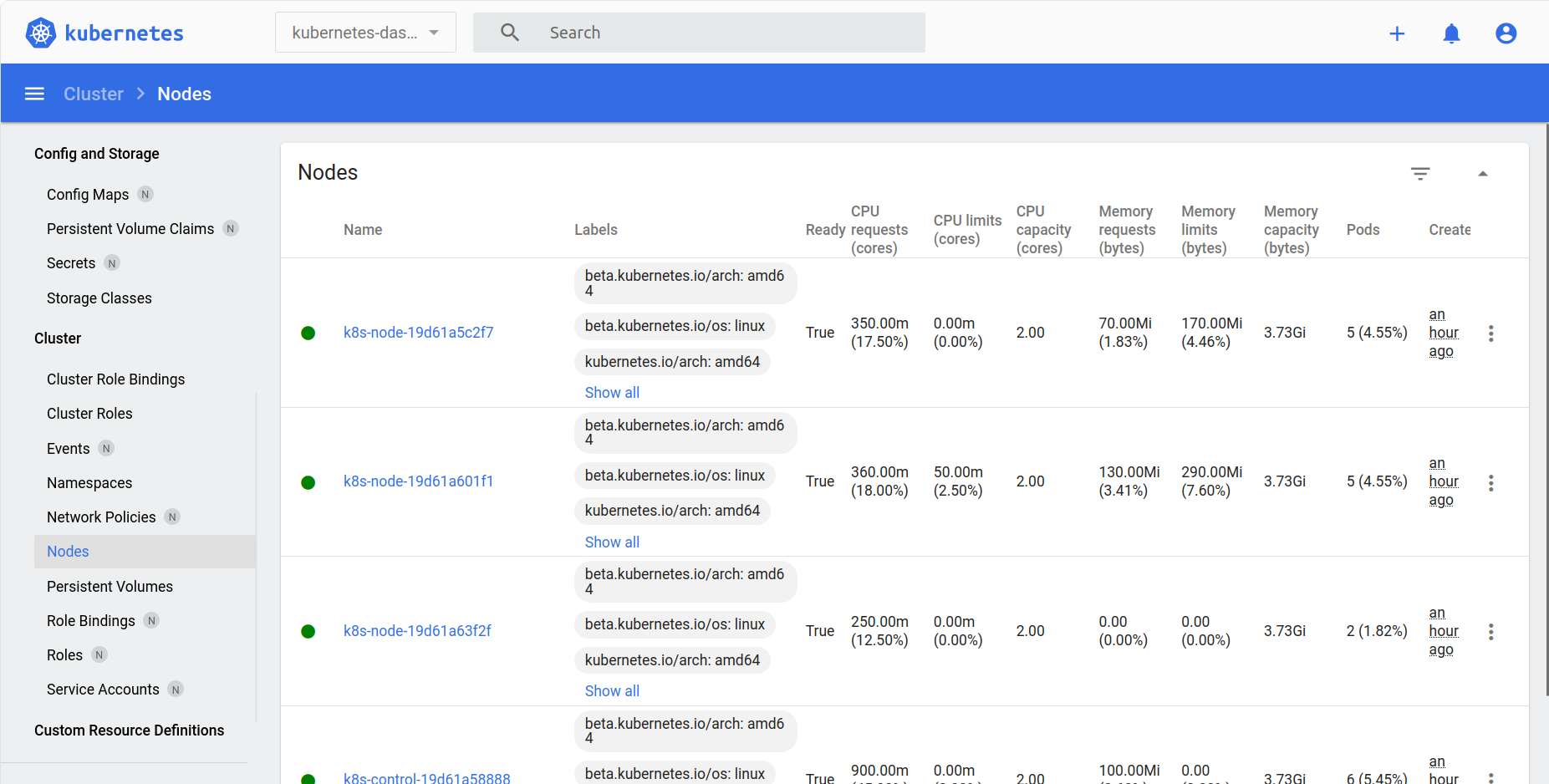
- Sau khi khởi tạo thành công K8s Cluster thì có thể tải config file và truy cập - quản lí thông qua CLI hoặc K8s Dashboard UI

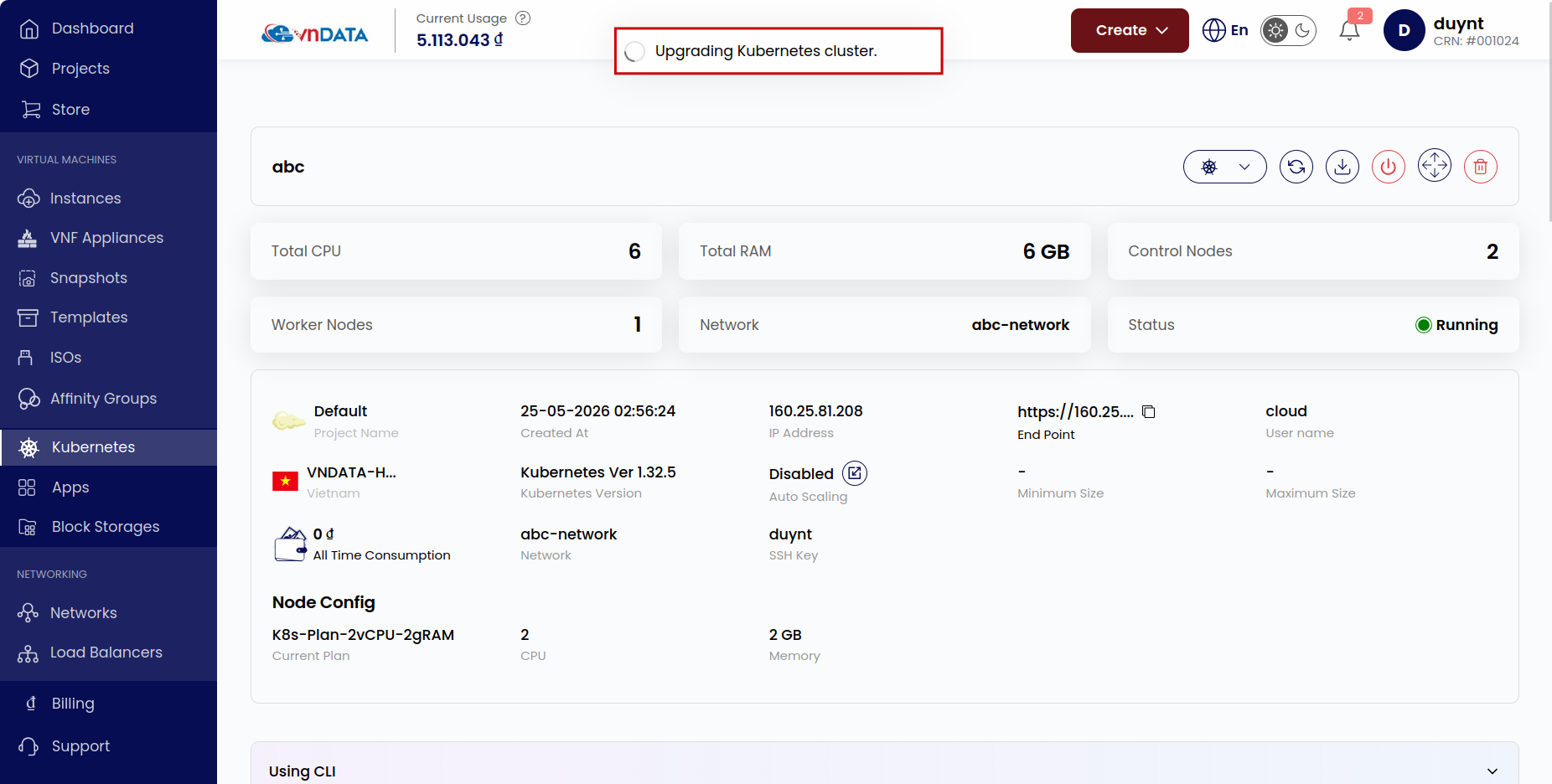
- Để nâng cấp phiên bản K8s, cần thực hiện theo các bước dưới đây:
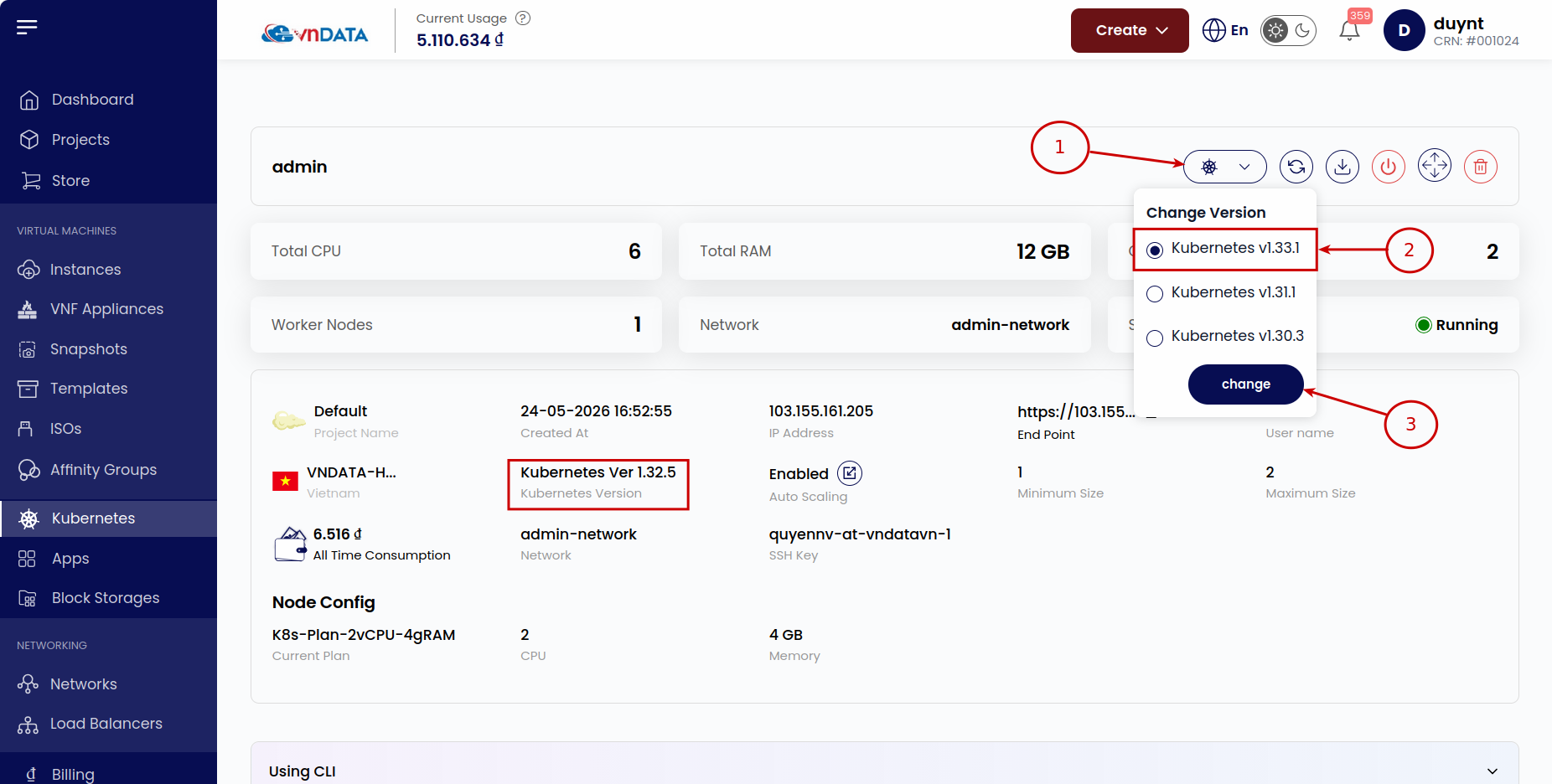
- Sau đó trạng thái của cluster sẽ chuyển qua Upgrading
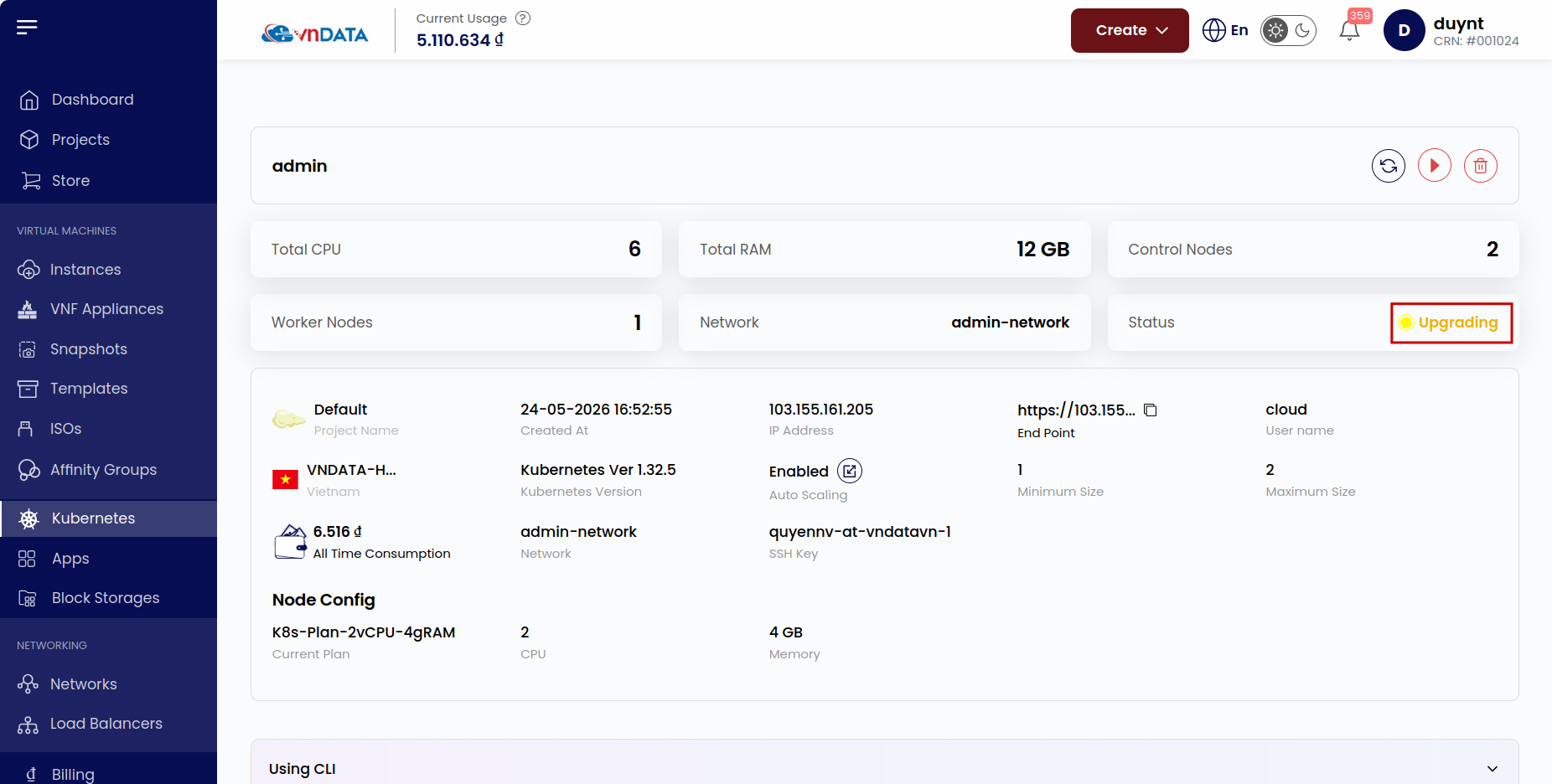
- Hoàn thành nâng cấp
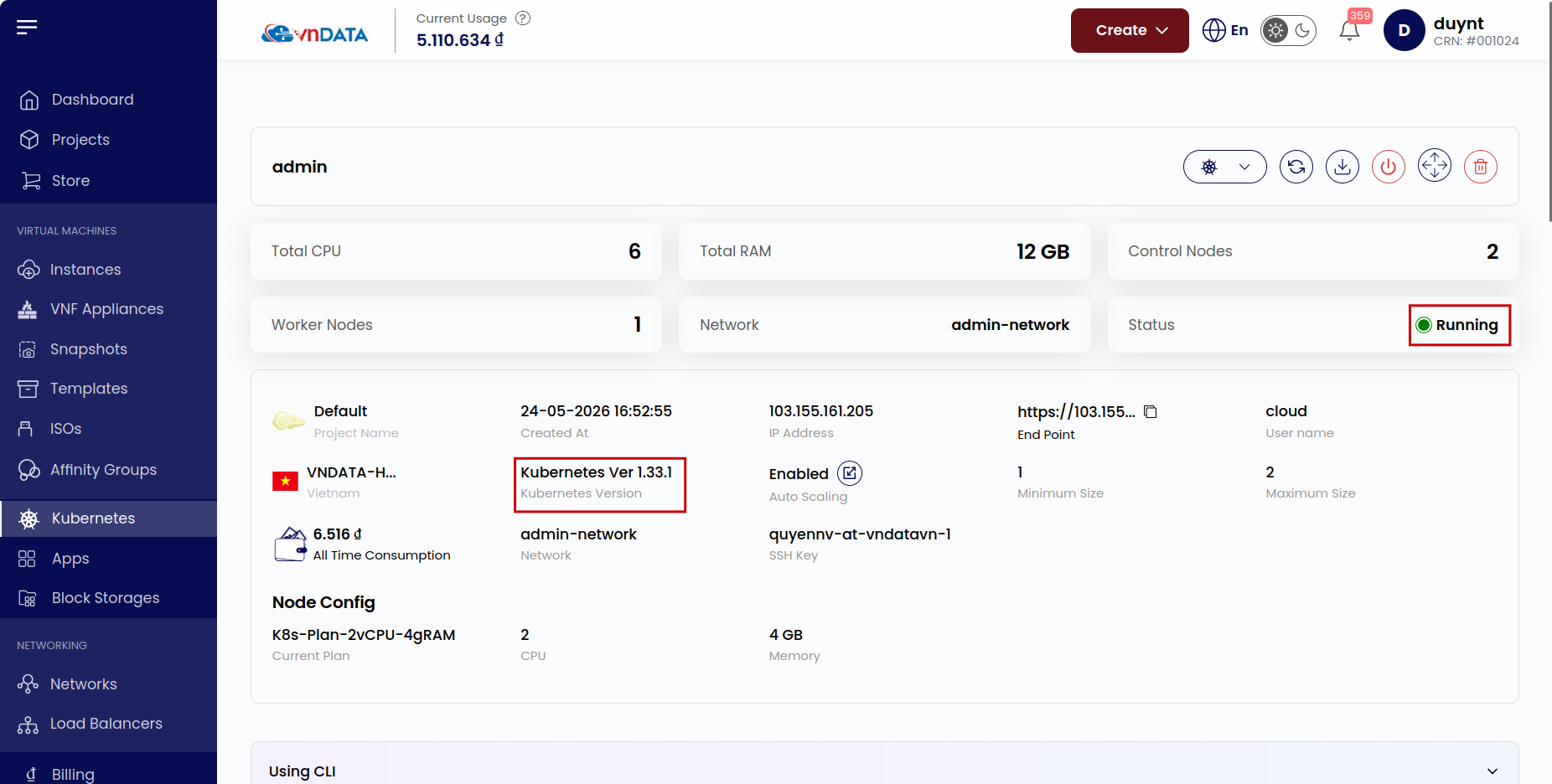
3. Auto scaling
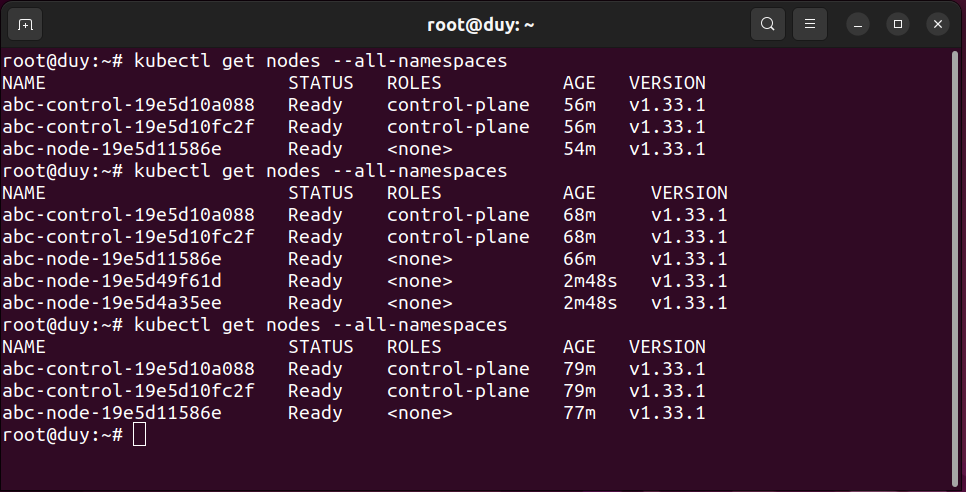
Tại phần này thì sẽ dùng K8s Cluster với thông số là 2 Control Plane Nodes, 1 Worker Nodes cho việc demo
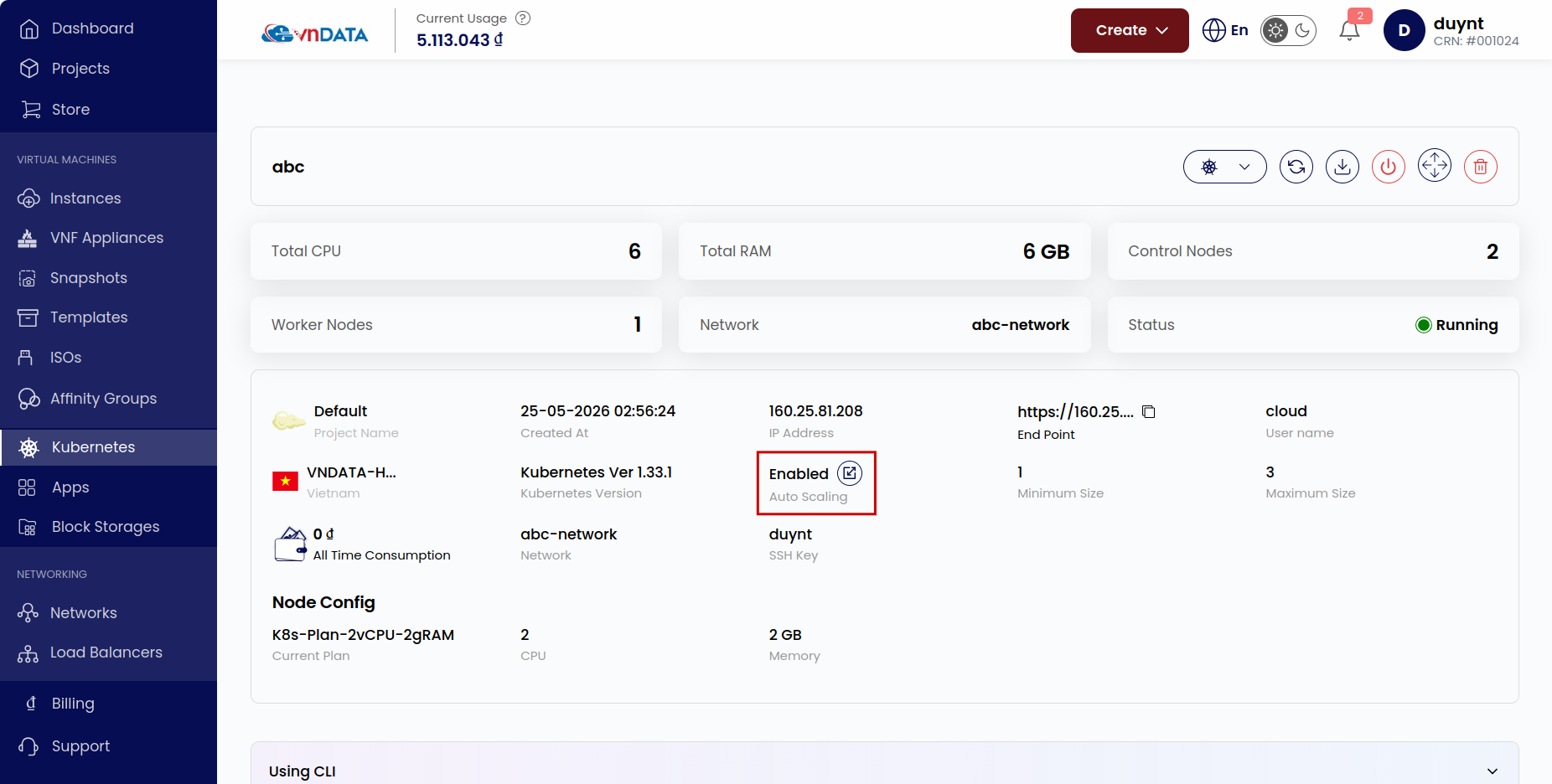
Kích hoạt
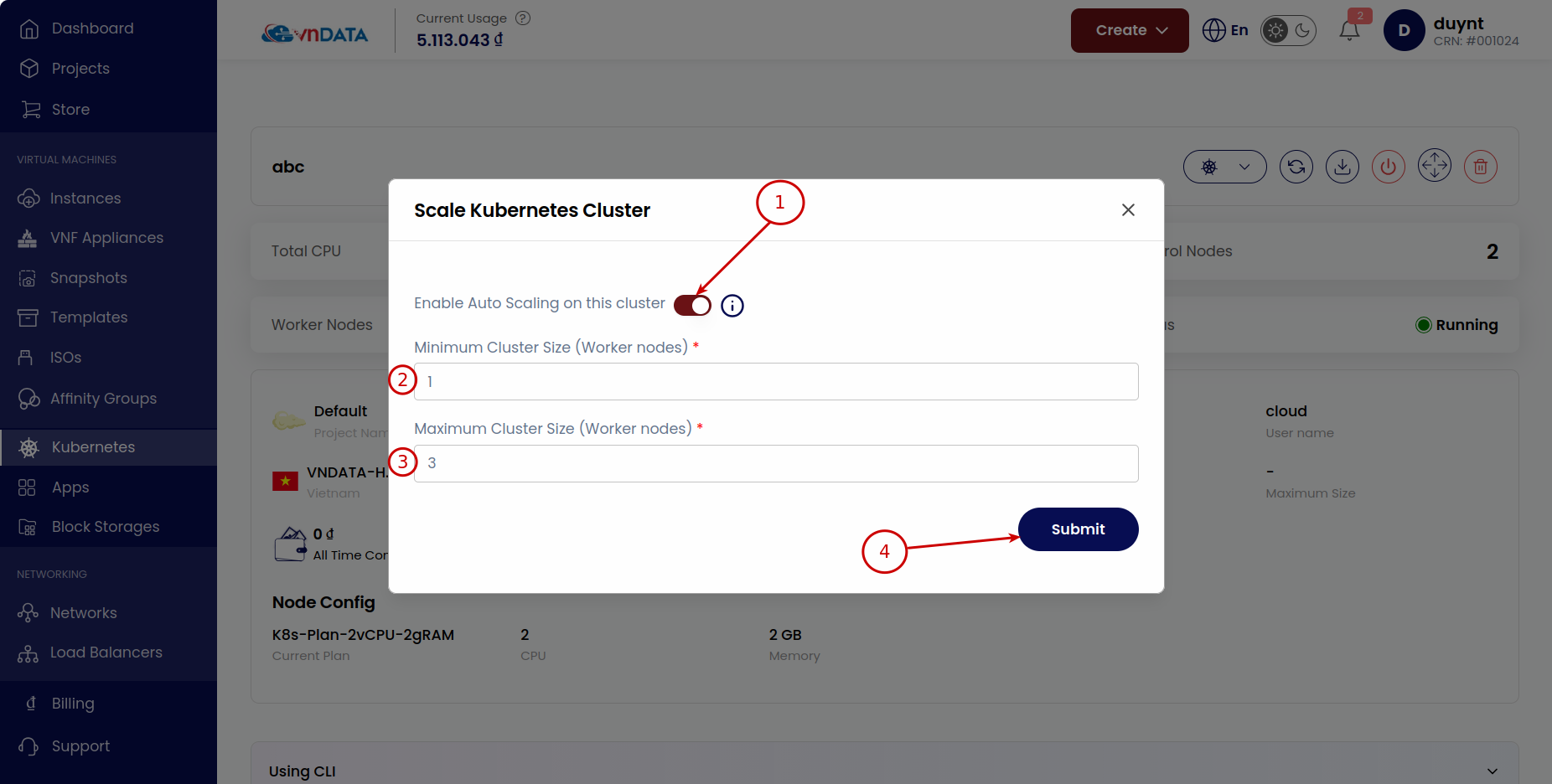
- Chọn biểu tượng Scale Kubernetes Cluster
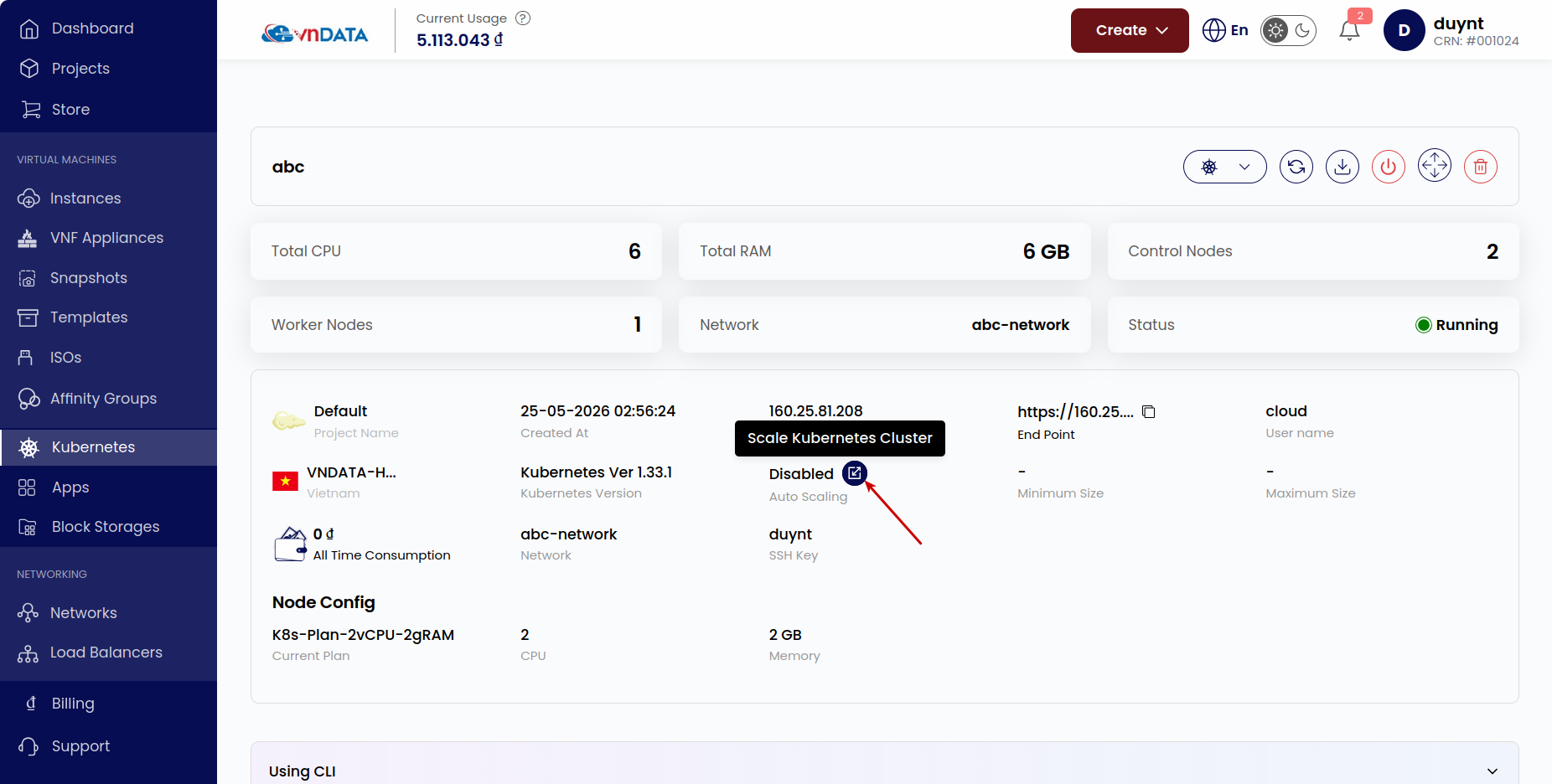
- Điền giới hạn số lượng Worker Node (tối thiểu, tối đa) cho cụm và bấm Submit
Kiểm thử
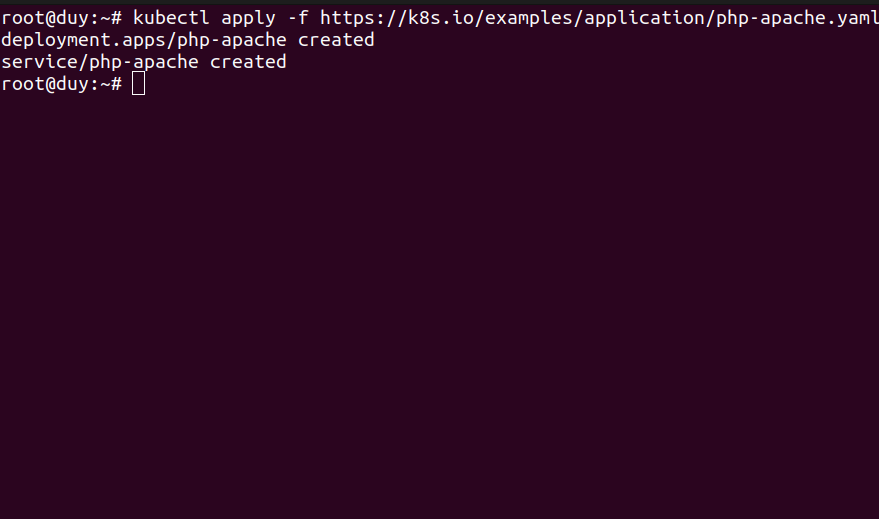
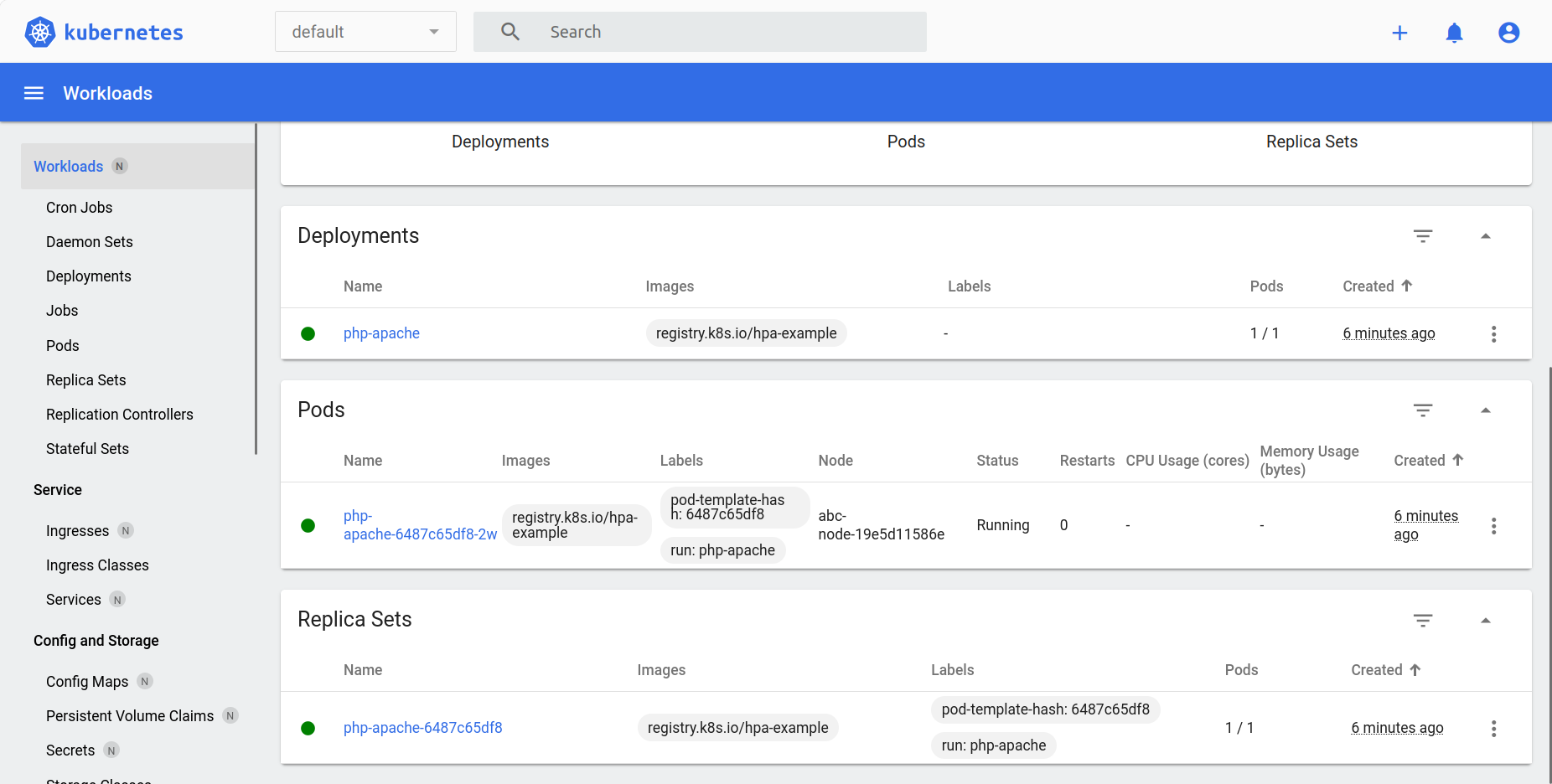
- Khởi tạo ứng dụng web php-apache để tiếp nhận các luồng truy cập
kubectl apply -f https://k8s.io/examples/application/php-apache.yaml
- Thiết lập định mức tài nguyên CPU tối thiểu cho mỗi pod php-apache là 200m
kubectl set resources deployment php-apache --requests=cpu=200m
- Thiết lập điều kiện HPA cho pod php-apache
kubectl autoscale deployment php-apache --cpu-percent=50 --min=1 --max=10
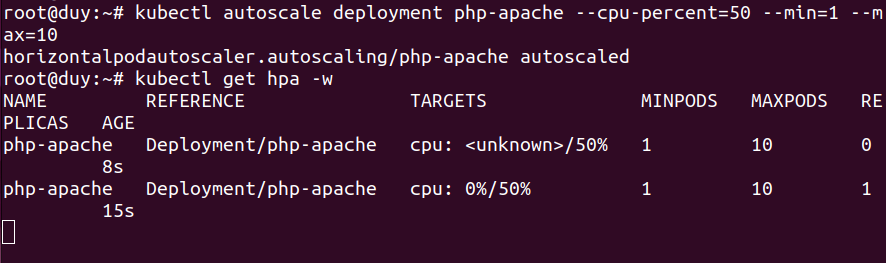
- Khởi tạo các pod load-generator để tạo lưu lượng đến php-apache
kubectl apply -f load-generator.yaml
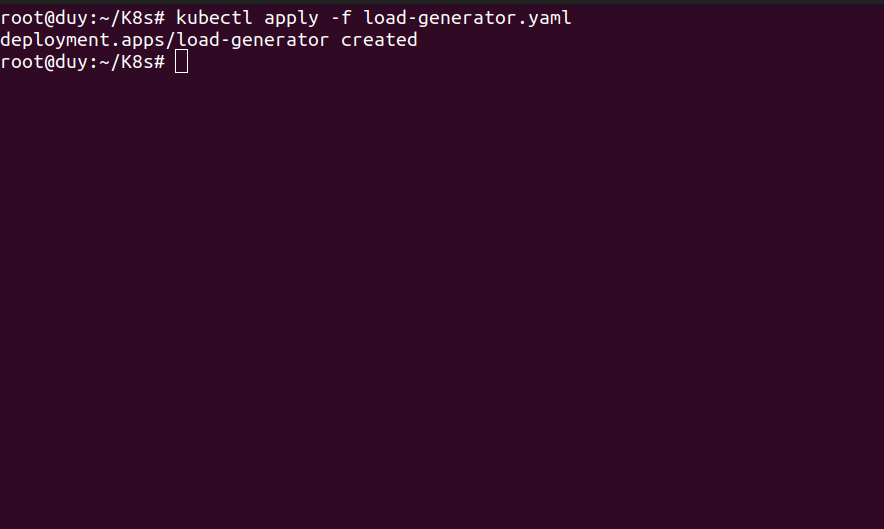
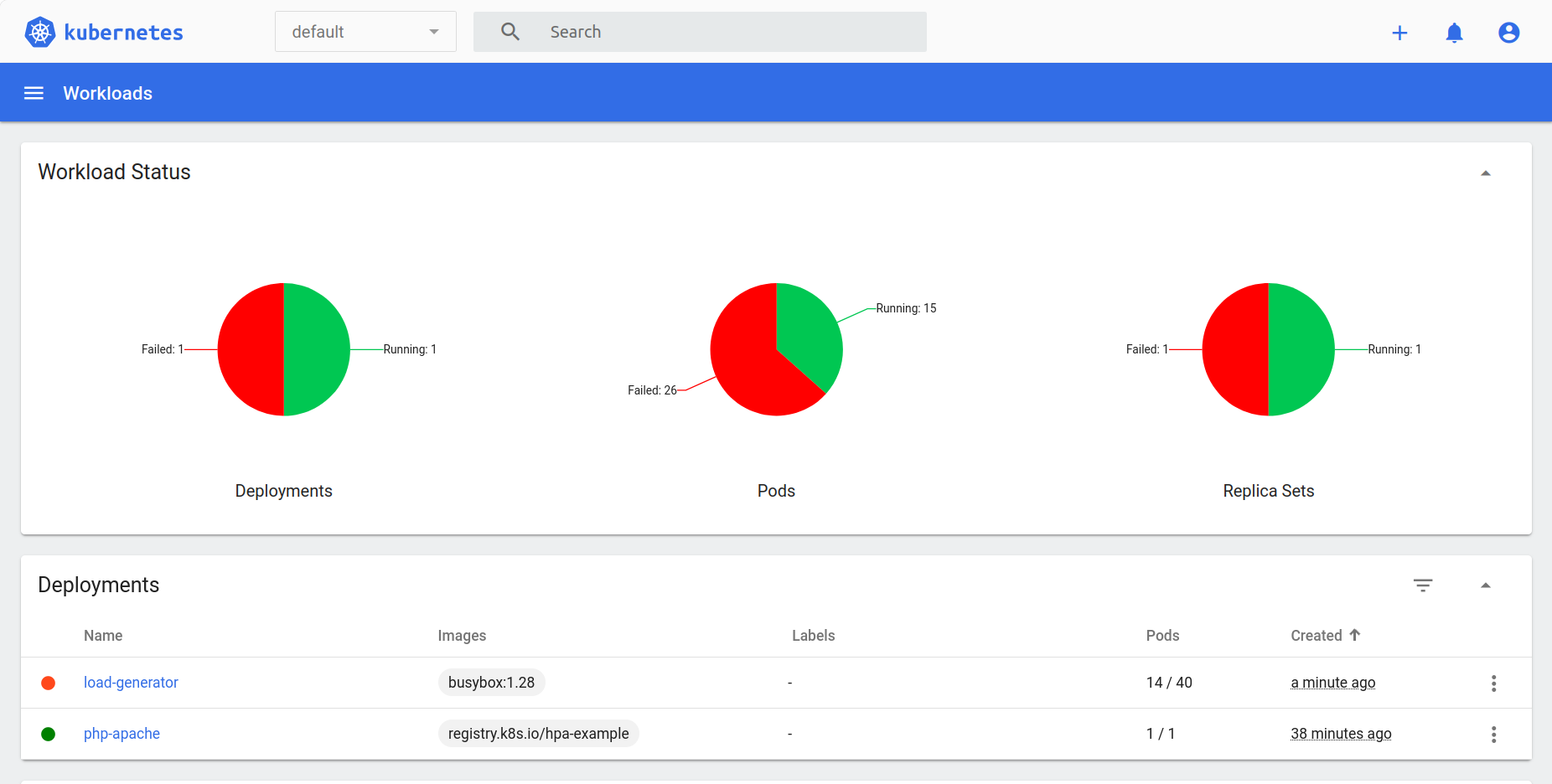
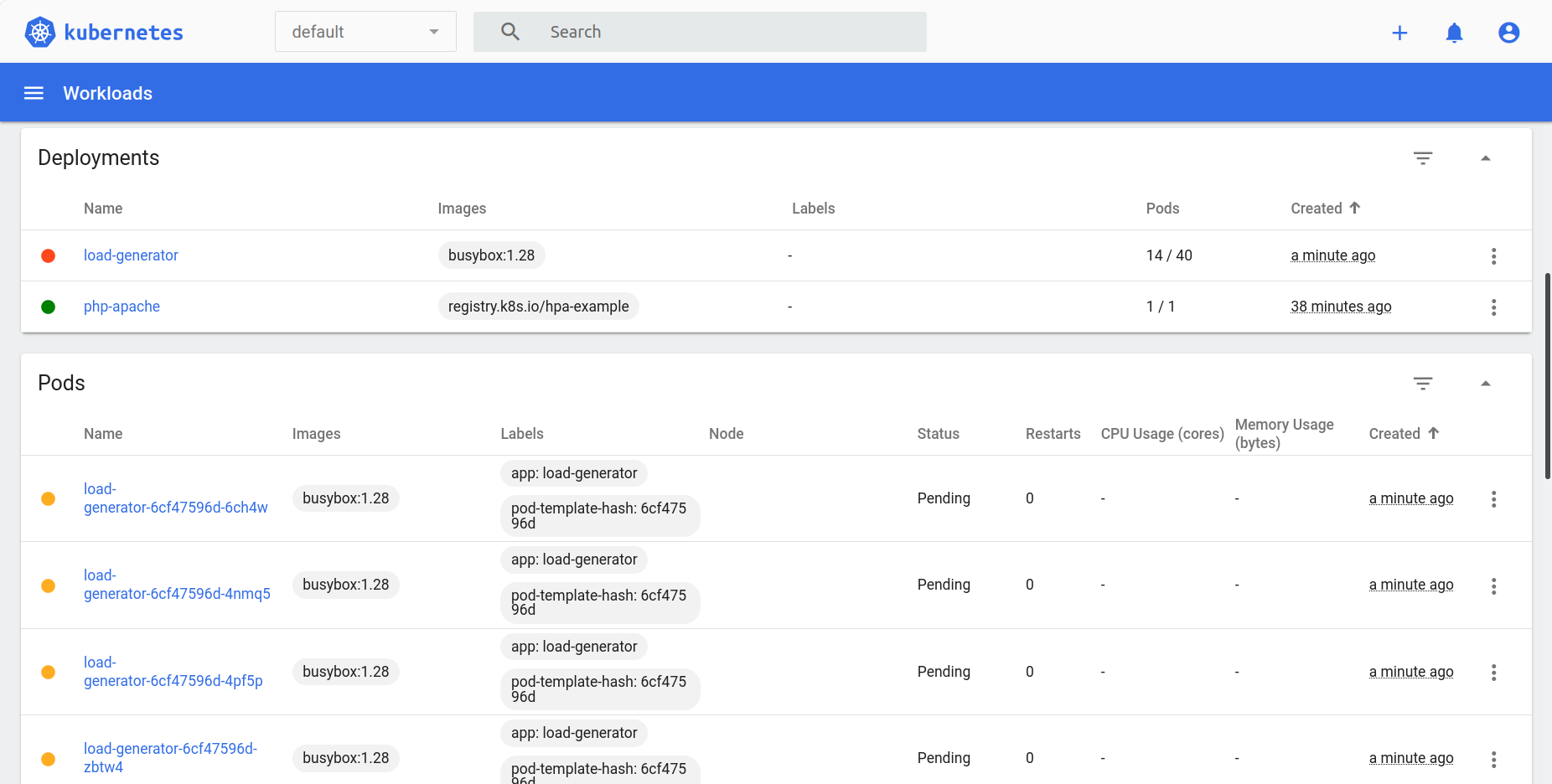
- Khi đó, tính năng Auto Scaling đã hoạt động để đáp ứng mức tài nguyên yêu cầu tăng cao cho các pods php-apache, load-generator
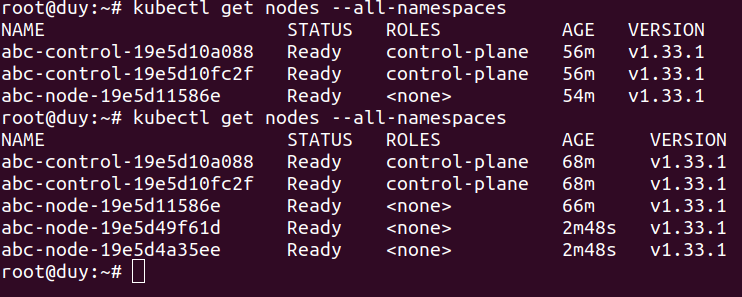
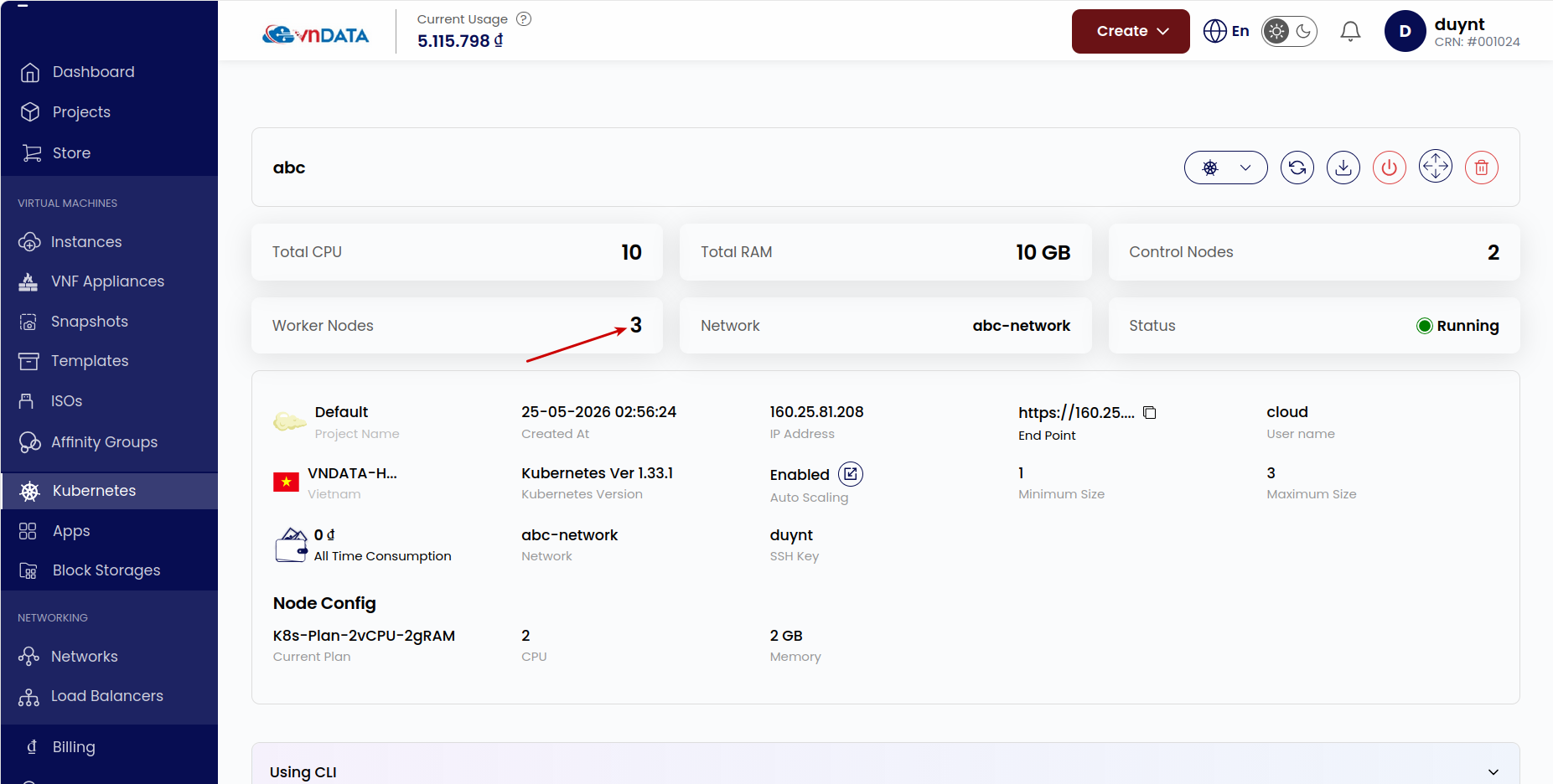
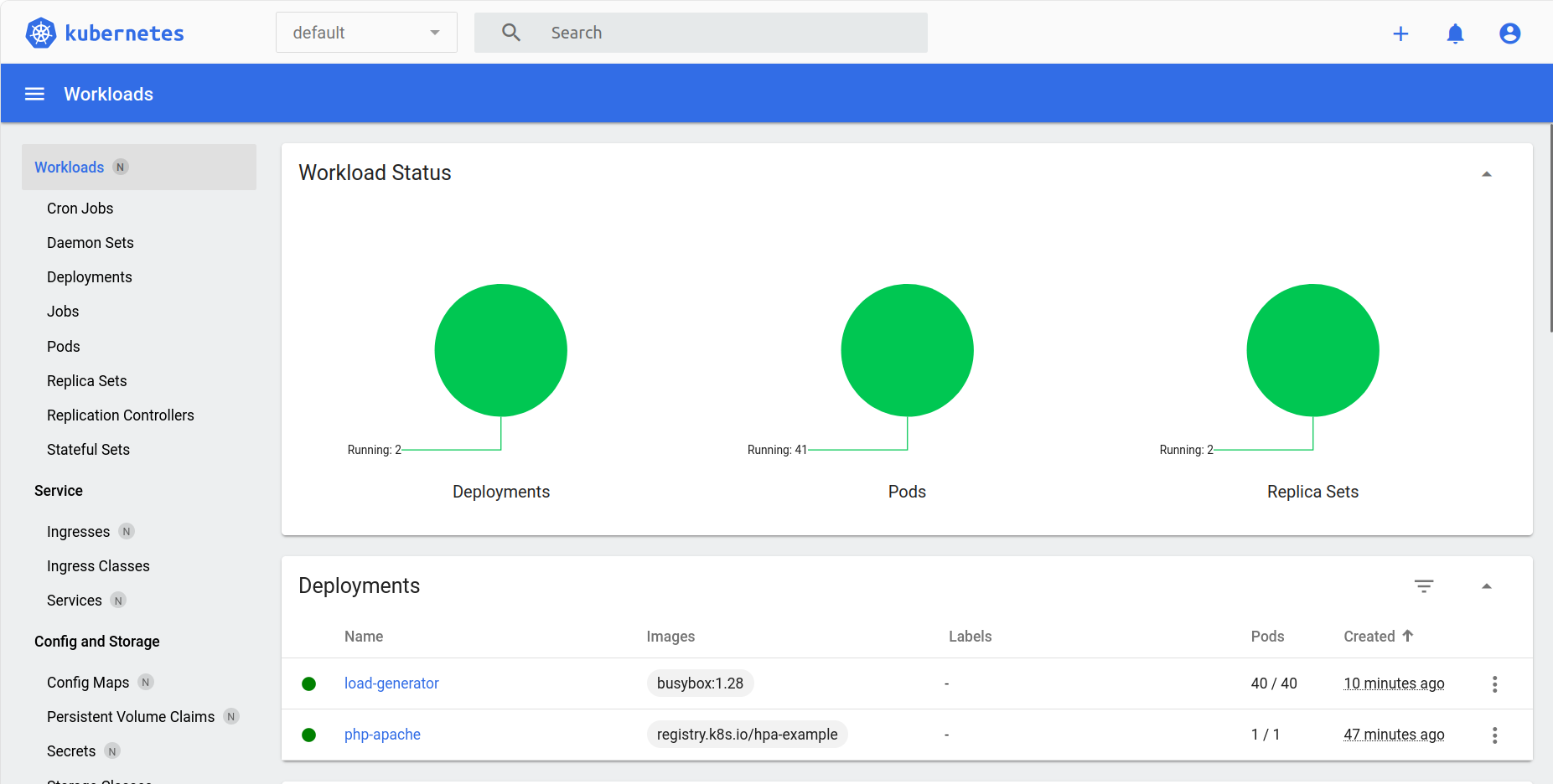
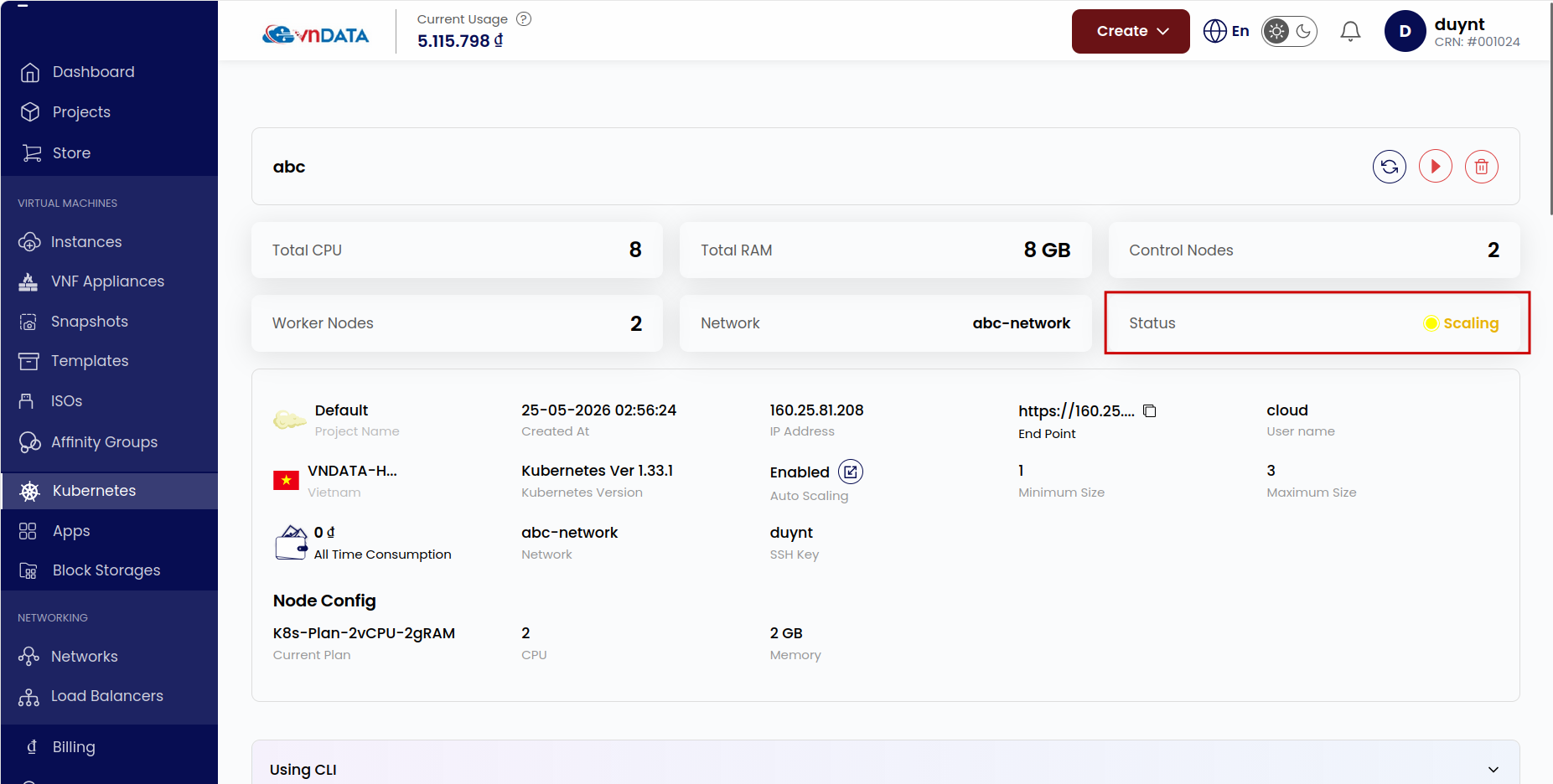
- Khi giảm lưu lượng HTTP thông qua giảm số lượng pod load-generator -> giảm mức yêu cầu tài nguyên từ các worker node -> Auto Scaling sẽ tự động xóa các worker node không cần thiết khỏi cluster
4. Load balancer
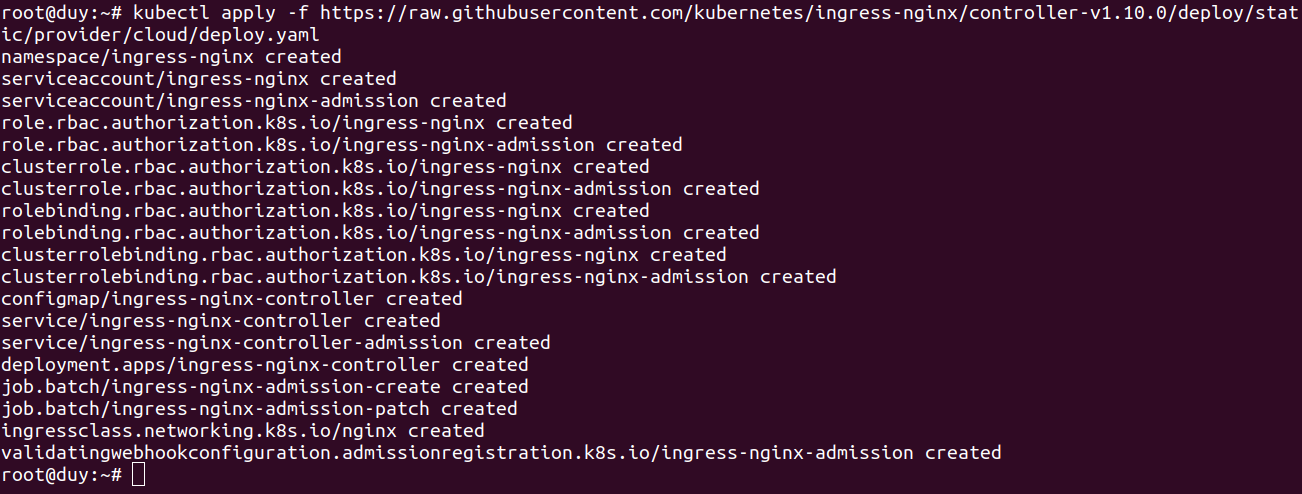
- Cài đặt Nginx Ingress Controller
kubectl apply -f https://raw.githubusercontent.com/kubernetes/ingress-nginx/controller-v1.10.0/deploy/static/provider/cloud/deploy.yaml
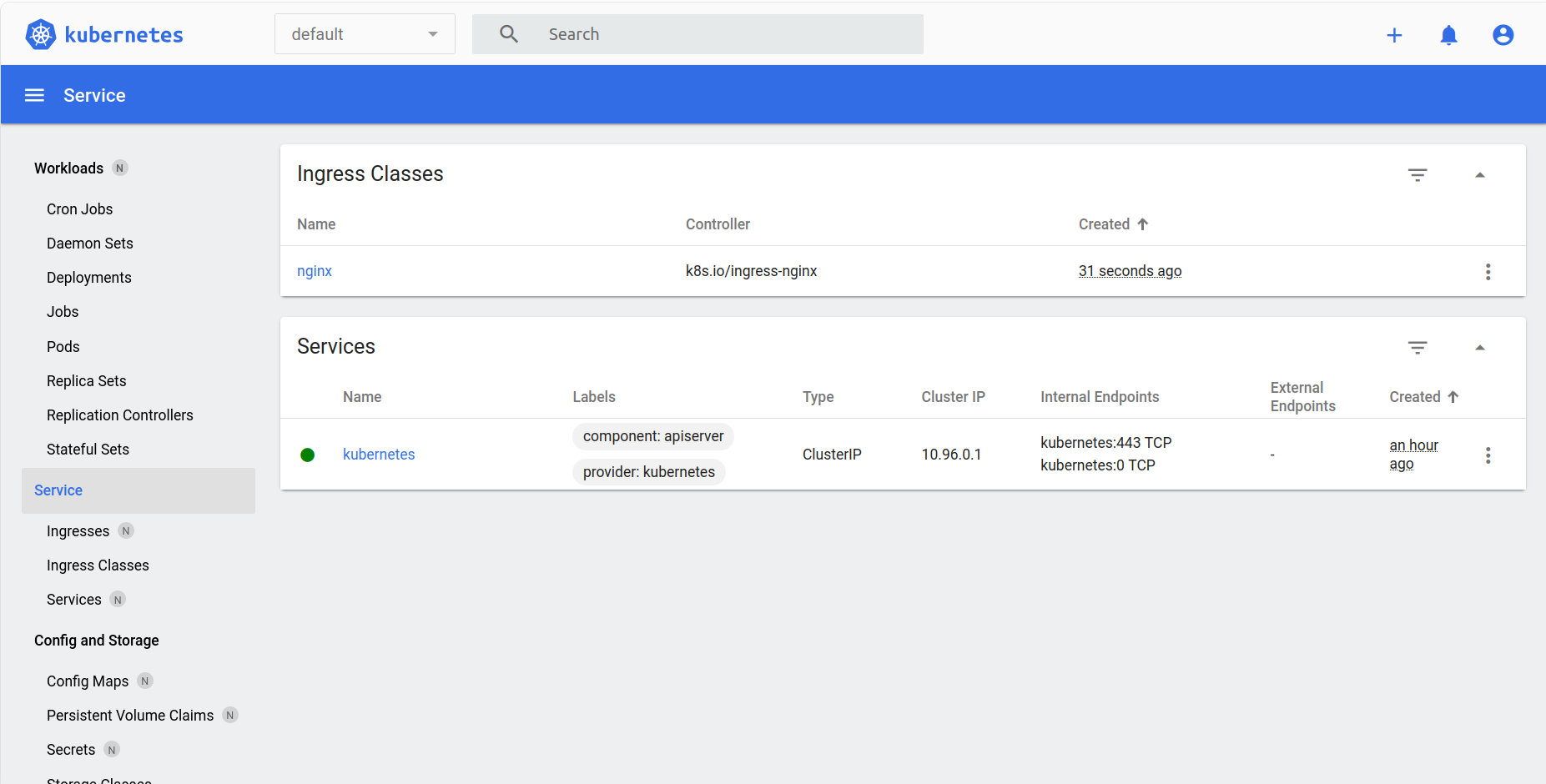
- Chờ cấp phát public IP

Ingress Controller đã tự động giao tiếp với VNData Cloud để tạo Load Balancer và nhận Public IP
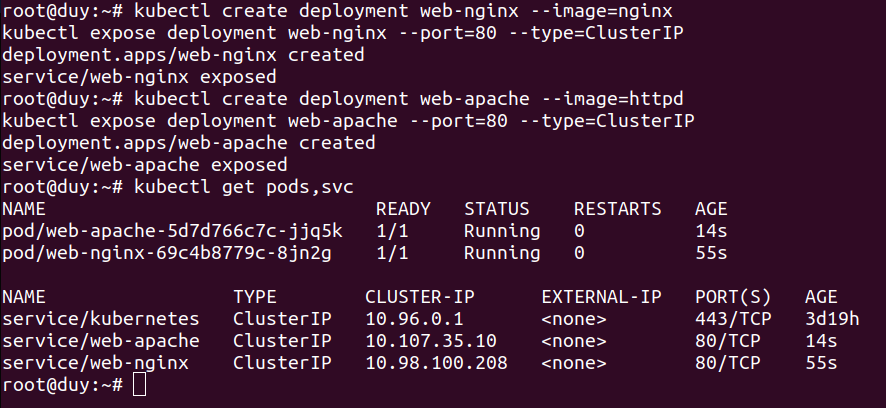
- Triển khai 2 Ứng dụng Web Server (Nginx & Apache):
- Tạo app Nginx:
kubectl create deployment web-nginx --image=nginx kubectl expose deployment web-nginx --port=80 --type=ClusterIP - Tạo App Apache:
kubectl create deployment web-apache --image=httpd
kubectl expose deployment web-apache --port=80 --type=ClusterIP
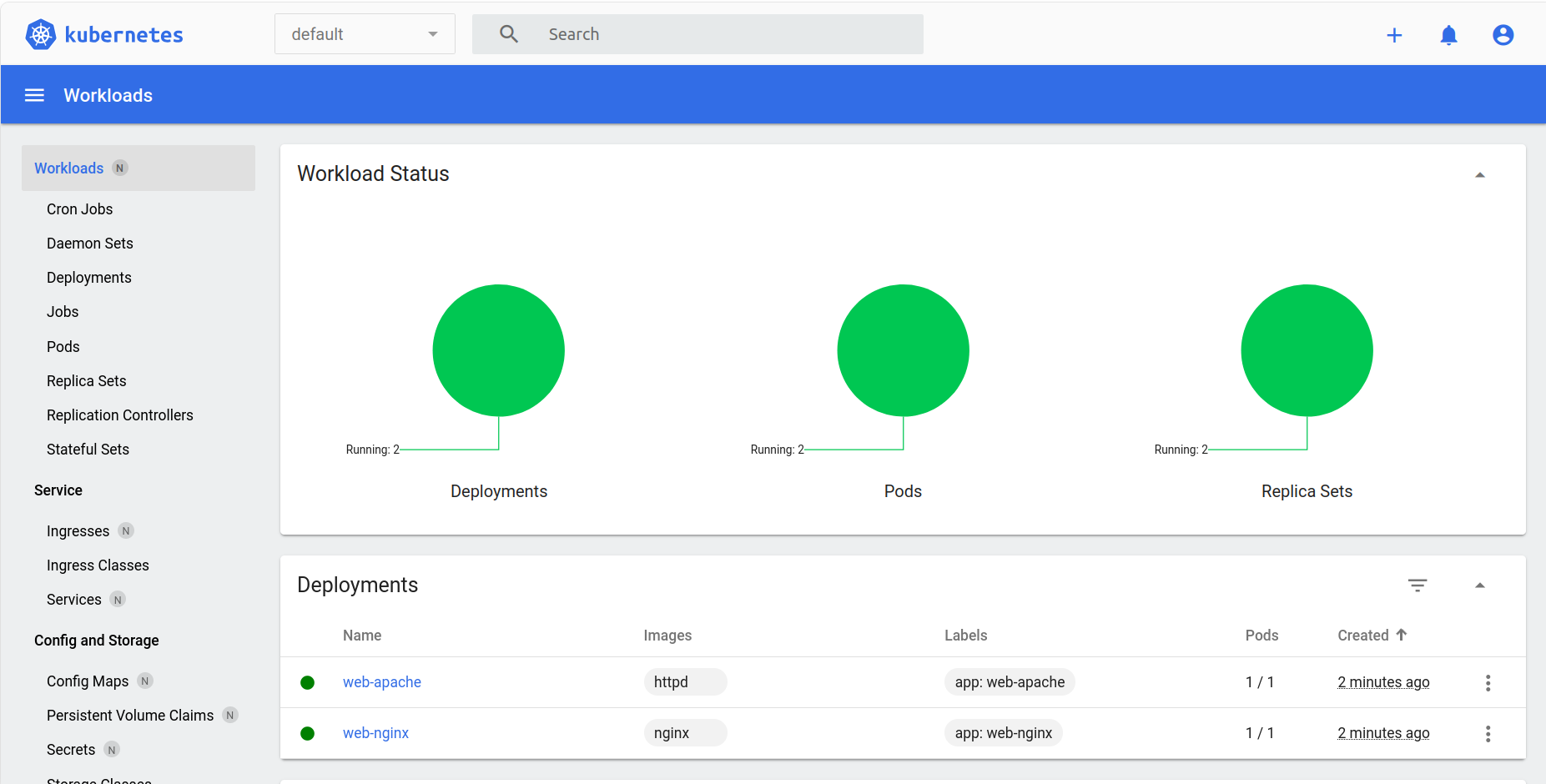
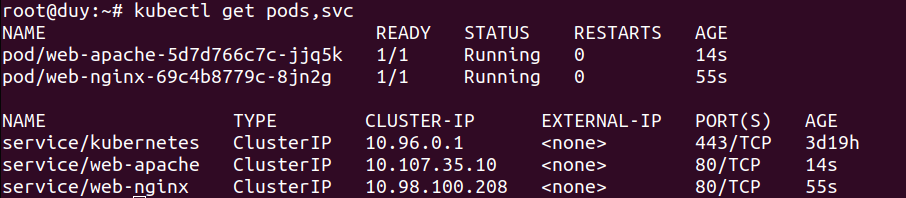
- Tạo app Nginx:
- Tạo file cấu hình
ingress.yaml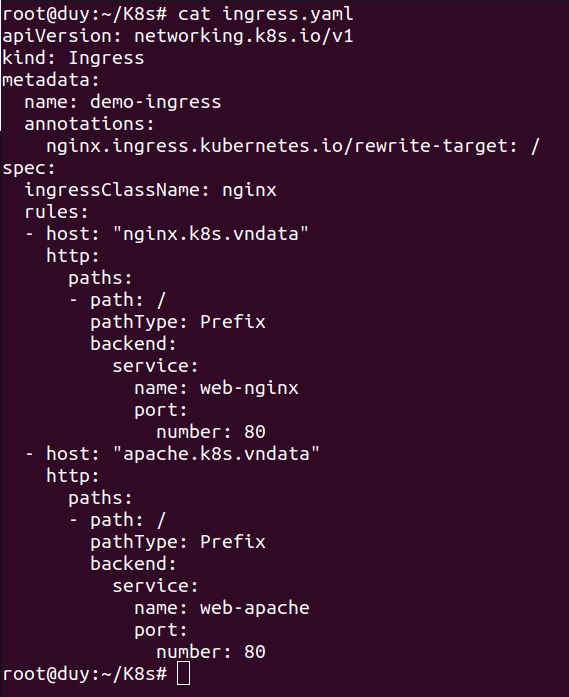
- Áp dụng cấu hình trên vào cluster K8s

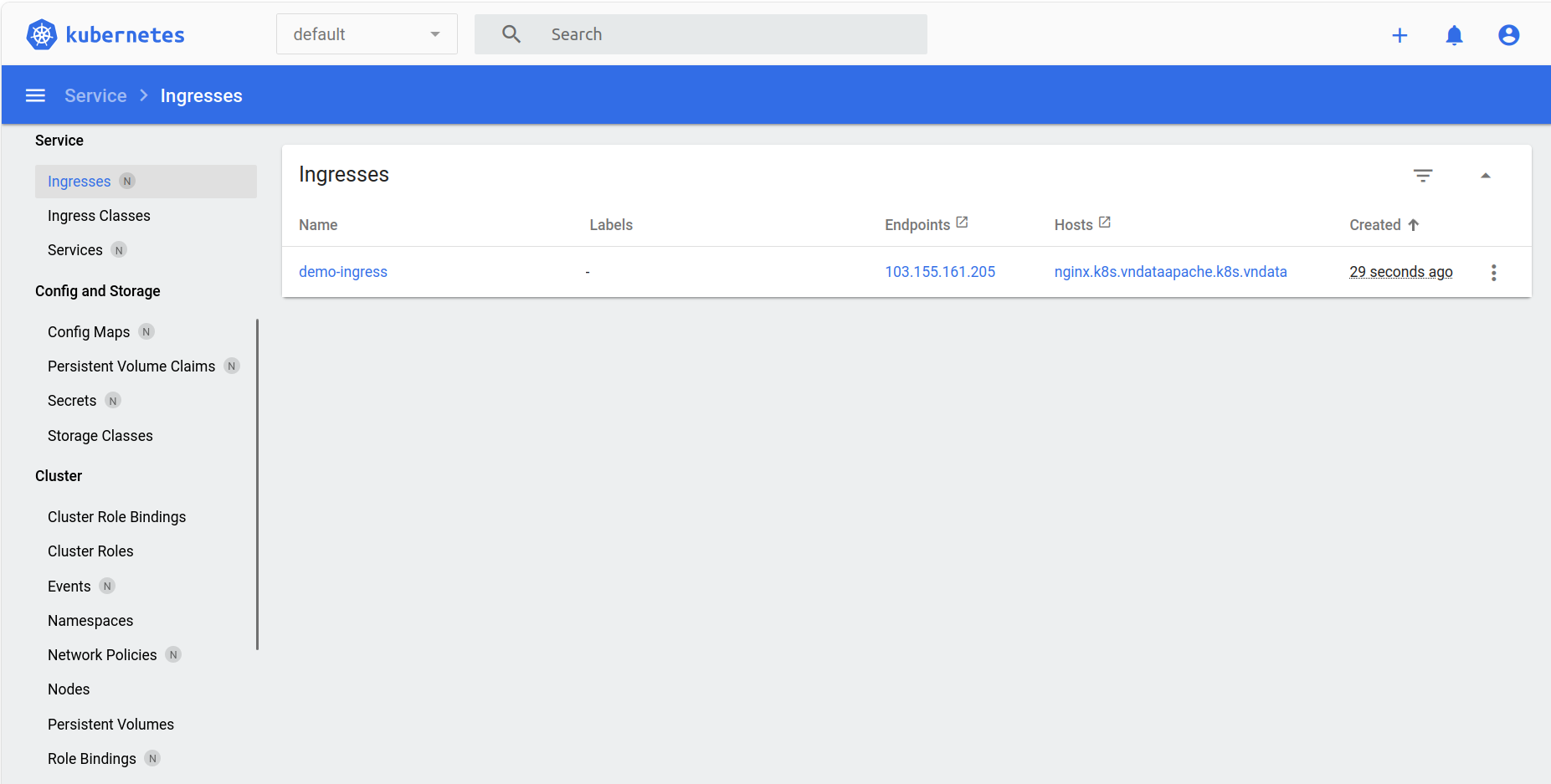
- Cấu hình tên miền cục bộ

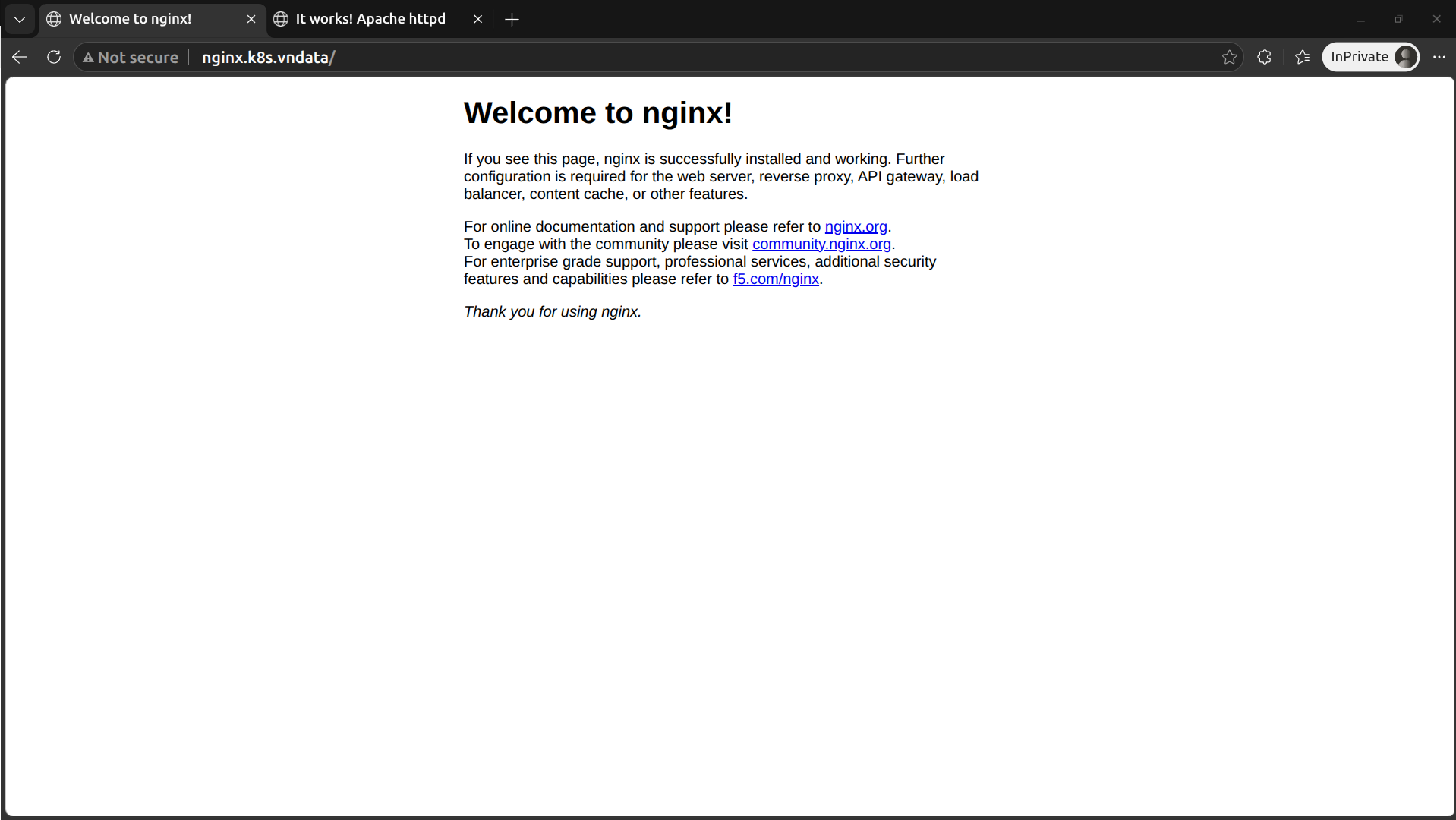
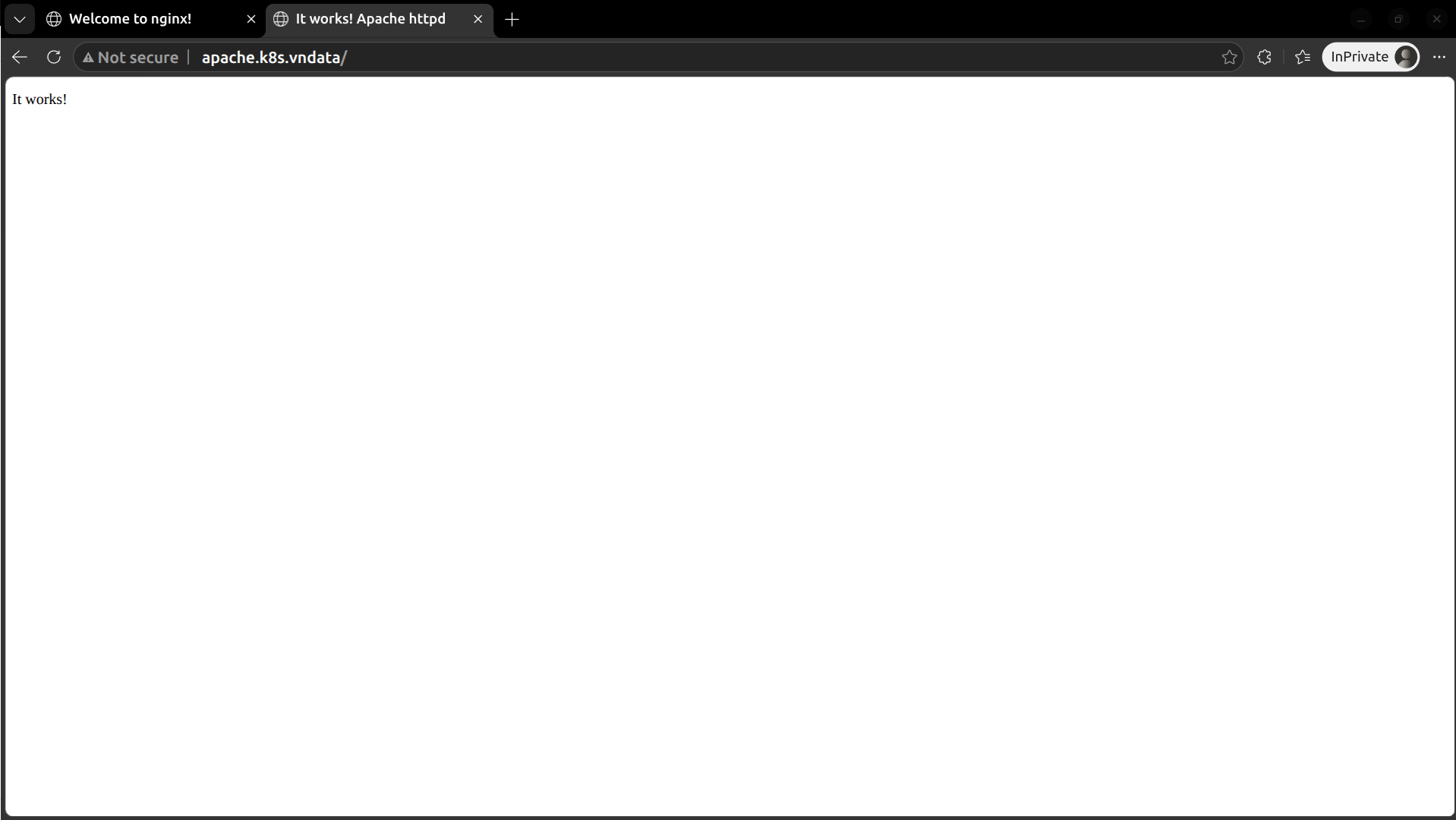
- Kiểm thử thông qua việc truy cập 2 tên miền cục bộ trên